How to fix Elden Ring Nightreign matchmaking not working
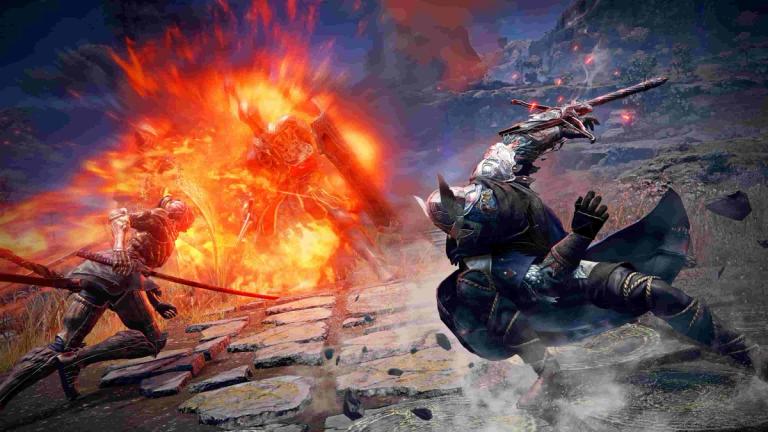
If you’re trying to play Elden Ring Nightreign with friends but matchmaking just won’t work, you’re not the only one. A lot of players are running into the same issue on PC, Xbox, and PlayStation.
READ: Elden Ring: Nightreign Optimized Settings
Sometimes it gets stuck on the matchmaking screen, other times it just refuses to connect. It can be frustrating, but there are a few things you can try that might help fix the problem.
This guide walks you through the most common solutions that have worked for others and explains them in a clear, straightforward way.
How to fix Elden Ring Nightreign matchmaking not working
Restart your game

This is probably the first thing to try. Close the game completely and start it again. Sometimes the game needs a fresh boot to reconnect to the servers.
It's helped a lot of players who couldn’t get past the multiplayer login screen. Before you restart, double-check your internet connection just to be sure the problem isn’t on your end.
READ: Elden Ring Nightreign- How to get more flask shards
Check your network settings
Go into the game’s Settings, then head to the Network tab. Under Launch Setting, make sure Play Online is selected.
Also, turn on Perform Matchmaking under the Cross-Region Play option. If you’re set to Single Player by accident, you won’t be able to match with anyone, so make sure Multiplayer is selected.
Remove your session password
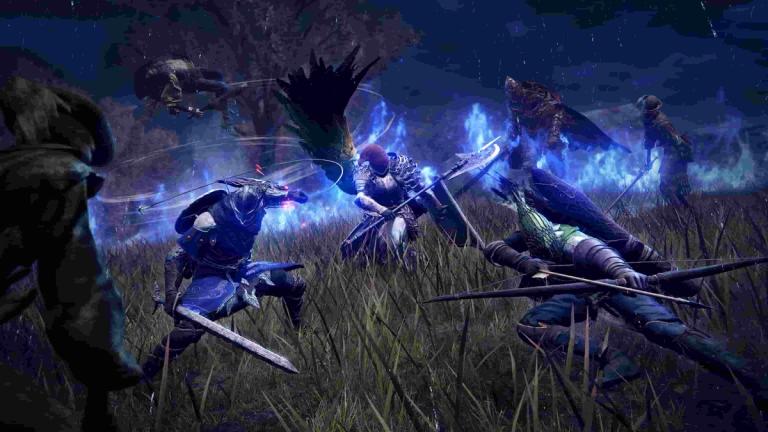
If you’ve added a password for private sessions, it might be causing the issue. Password-protected matchmaking can sometimes lead to bugs or connection loops. Try removing the password or re-entering it, then try matchmaking again.
Check server status
Sometimes it’s not you, it’s the servers. Elden Ring Nightreign servers can go down or get overloaded, especially after updates or during busy hours.
Try playing at a different time
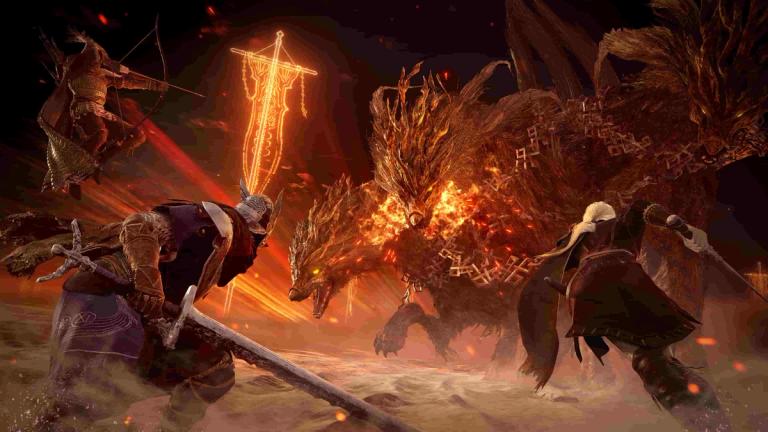
When the servers are overloaded, matchmaking can take forever or not work at all. If restarting and checking settings doesn’t help, the best thing might be to wait it out and try again later. Early mornings or late nights are usually quieter times for the servers.
Try playing solo
If nothing else works and you still want to play, you can go solo. In Roundtable Hold, go to Commence Expedition, then open the Matchmaking Settings tab.
At the bottom, set Expedition Type to Single Player. The game isn’t perfectly balanced for solo play, but it’s still a good way to experience the content while waiting for multiplayer issues to be fixed.
FAQs
How do I know if Elden Ring Nightreign servers are down?
- The easiest way is to check the official Elden Ring Twitter account or Bandai Namco’s support page. If other players are reporting issues, it’s likely a server-side problem.
Why is matchmaking stuck on the loading screen?
- It usually means the game can’t connect to the multiplayer servers. Restarting the game or checking your network settings can often fix it.
Can I play Nightreign without multiplayer?
- Yes, you can. Set your expedition to Single Player in the Roundtable Hold menu under Matchmaking Settings.
What does removing the multiplayer password do?
- It helps fix bugs related to private sessions. If matchmaking gets stuck or fails to connect, removing the password might let you join sessions again.
Does cross-region matchmaking help?
- Turning on cross-region play can reduce wait times and give you more people to connect with, especially during off-peak hours.
Is there a way to force matchmaking to restart?
- You can cancel and restart matchmaking manually. This is especially recommended on PlayStation where the issue is more common.
READ: Elden Ring Nightreign: How to play Executor