Escape From Tarkov: Best Settings for 1.0 2026
It is no secret that BSG's extraction shooter is very demanding on most PCs. Newer maps especially, like Streets of Tarkov, feel almost impossible to even reach 60 fps in.
Escape From Tarkov: 2026 Roadmap
With our Escape From Tarkov best settings, though, you'll be able to reach comfortable FPS on most PCs, while also maximising visibility, and customising your keybinds.
Escape From Tarkov Best Settings: Graphics
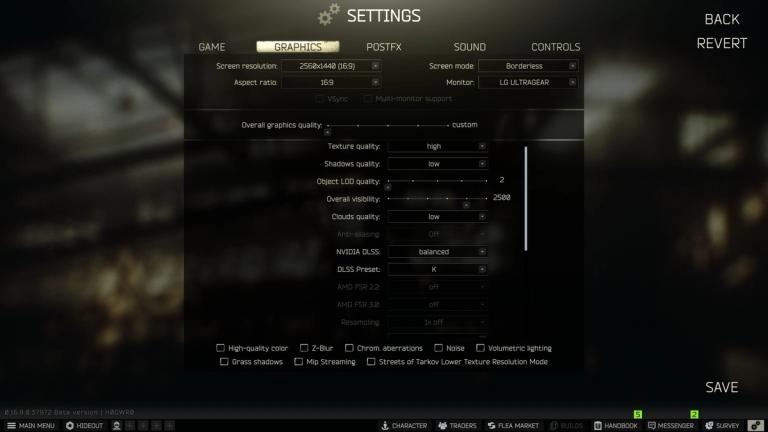
Here are the best graphics settings for max performance in Escape From Tarkov:
- Texture Quality: High
- Shadows Quality: Low
- Object LOD quality: 2
- Overall visibility: 2500
- Clouds Quality: Low
- Nvidia DLSS: Balanced 1440p/ Quality 1080p
- DLSS Preset: K
- AMD FSR 3.0= Quality 1440/ Ultra-Quality 1080p (for those without DLSS-supported cards)
- HBAO: Off
- SSR: Off
- Anisotropic Filtering: On
- NVIDIA Reflex Low Latency: On
- Sharpness: 1.2 (tested on Balanced 1440p)
- Mip Streaming buffer size: 32
- Mip Streaming disk usage limit: 768
For some clarifications, anyone with a card that supports DLSS should be running it on Preset K, which will use DLSS 4. Those with AMD cards should be running FSR 3.0 on the highest quality possible to avoid ghosting and smearing of foliage.
Do not tick any of the boxes below all other settings unless you can't reach 60 fps on Streets. If that's the case, turn the Lower Resolution Mode for the map on.
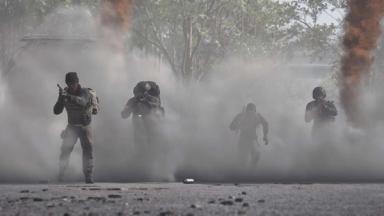
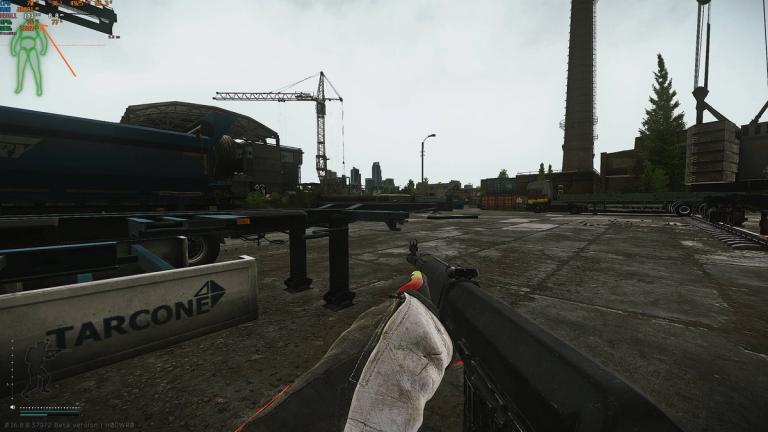
As shown in our featured image, this allowed us to reach consistent 130 to 144fps on an RTX 3080 with a 7800X3D on Customs at 1440p.
Best Game Settings
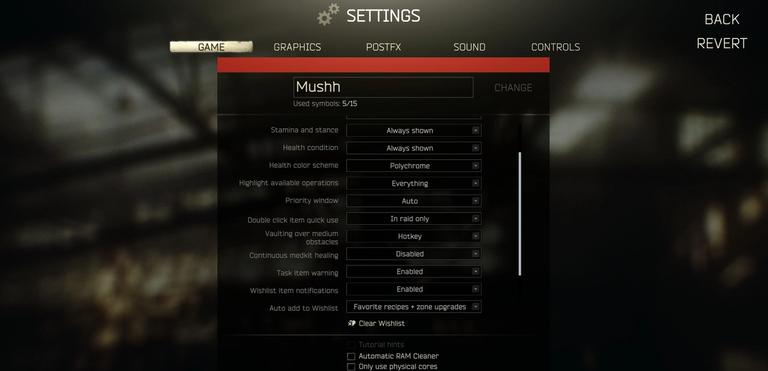
The best Tarkov game settings are:
- Quick Slots: Autohide
- Stamina and stance: Always shown
- Health condition: Always shown
- Health color scheme: Polychrome
- Double click item quick use: In raid only
- Vaulting over medium obstacles: Hotkey
- Continuous medkit healing: Disabled
- Task item warning: Enabled
- FOV: 75
- Head bobbing: 0.2
You want to autohide quick slots because they do not present relevant information and you should keep your HUD minimal in order to see as much movement as possible. With that being said, we recommend always having Stamina, stance, and health condition showing for two reasons: they only cover corners of the screen, and they offer crucial information.
Polychrome changes the color of your body parts from green, to yellow, orange, and red depending on damage taken, allowing you to see the state of your body at a quick glance.
When it comes to ticking boxes, you'll want to have everything unticked with the exception of Malfunction notifications, in case you miss the fact that you got a jam in one of your guns.
PostFX And Sound
It is very common for streamers to share their PostFX settings, which players will promptly copy and paste. Do not do this. PostFX settings need to be tailored to your monitor and even the usual lighting in the room that you play in.
If you usually play at night or in a dark room, you can get away with lower brightness or clarity settings. You can copy a streamer's settings as a base, but customize it to your own setup before getting into a raid.
We recommend heading into an offline Customs raid, getting outside of a building, and customizing the settings while checking how the game looks both inside and outside buildings. You'll want Tarkov to be bright enough for you to barely see dark corners inside warehouses, but not so bright that you'll have to squint to see a player on the horizon.
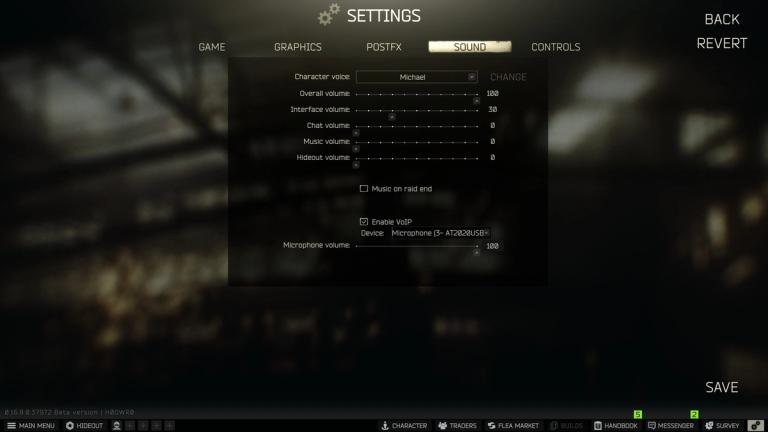
Regarding sound, keep Overall volume as high as you safely can, without damaging your hearing, and turn interface volume to around 30%. You want to hear inventory interactions to make sure you didn't miss an item thinking you already pressed it, but you don't want those sounds to prevent you from listening to footsteps while you're looting.
Best Tarkov Keybinds
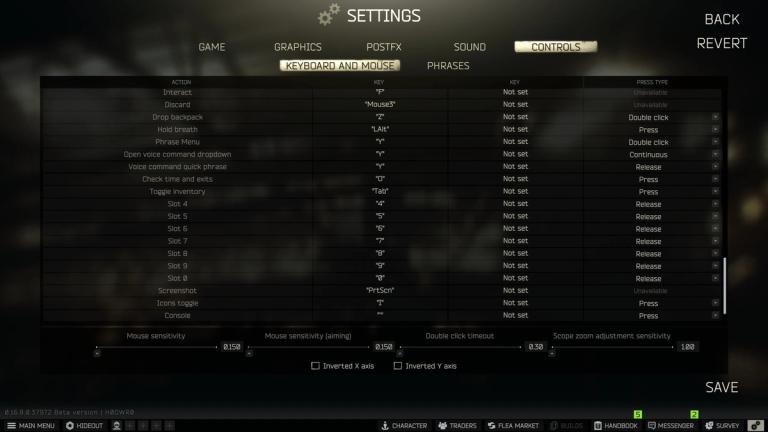
The best Tarkov keybinds will mainly depend on two things: personal preference and what kind of mouse you have. With that being said, there are some things that will be universal, which are the ones we'll cover:
- Discard: Something that you can press quickly, like a mouse button (if you have Mouse3/4 or beyond)
- Emergency weapon reload: Continuous R press instead of double click.
- Check ammo: L, replacing the inspect weapon key. This allows you to easily check your ammo while walking or running.
- Inspect current weapon: Alt-L, you'll only use this to check for malfunctions.
- Check chamber/Fix malfunction: Double click L, to speed up the process if the malfunction weapons in the midst of action.
- All Slots: Release press type instead of press. This allows you to use any meds and select which body part you want to heal. Tarkov selects the lowest HP body part, or the one with a heavy bleed, by default. If you want to, for example, heal your stomach before it blacks out, this press type allows you to easily do this without going into your inventory.
To finalize, we recommend keeping all sensitivity settings equal, unless you are already used to utilizing aiming modifiers in other FPS. If not, keep Mouse Sensitivity and Aiming sensitivity the same, and Scope zoom adjustment sensitivity at 1.0.
Tarkov Weapons- The 8 Best Guns In The Game
Want to be the best? Upgrade your gaming setup
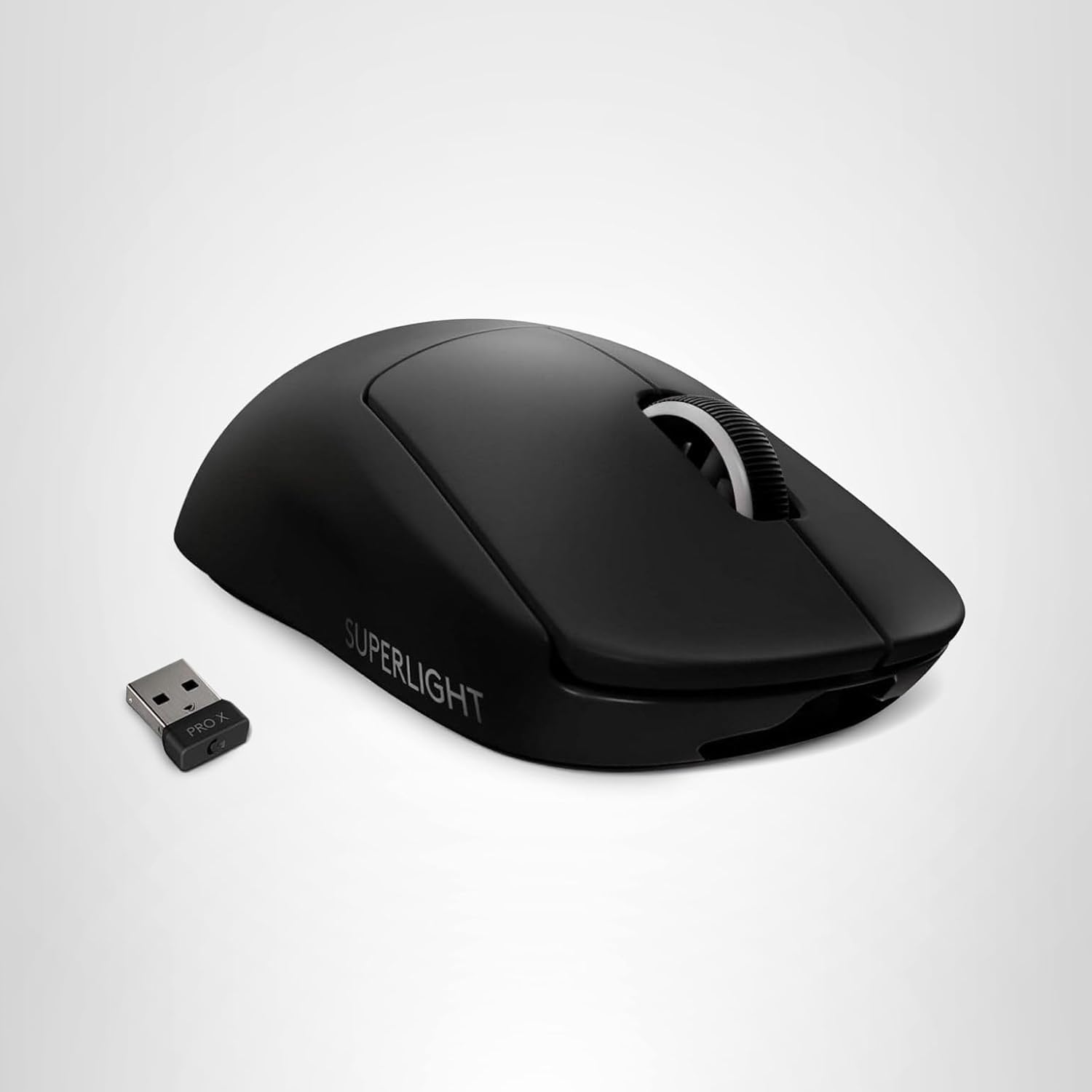
If you’re looking to upgrade your gaming setup, here are some of our top gear picks that combine performance, reliability, and great value:


As an Amazon Associate we earn from qualifying purchases.