Battlefield 6 Settings - Best Optimization
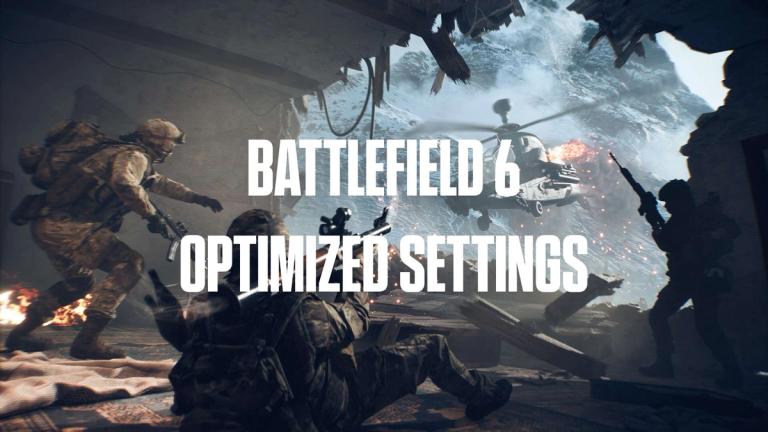
DICE has a long track-record of technological excellence, especially when it comes to PC games. Thankfully, Battlefield 6 keeps that track-record going, and arguably represents a change that a lot of people will appreciate: ray-tracing is gone is not in the game at all.
READ: Best weapon and loadout in Battlefield 6
The latest entry in the storied franchise left those systems behind, but it still boasts the usual graphical prowess that has been associated with DICE for so long. Here is everything to know about Battlefield 6 settings, and best optimization options.
Battlefield 6 Graphics Settings
Battlefield 6 is quite well optimised, so you can crank most settings to the maximum without worries as long as you have what would be considered a mid-range GPU for today (RTX 4070, RX 7800 XT, etc). With that being said, don't go overboard. There are a few settings that you should consider turning down if you're struggling to hit your target FPS (which should realistically be close to 144hz in most cases, especially in 1080p).
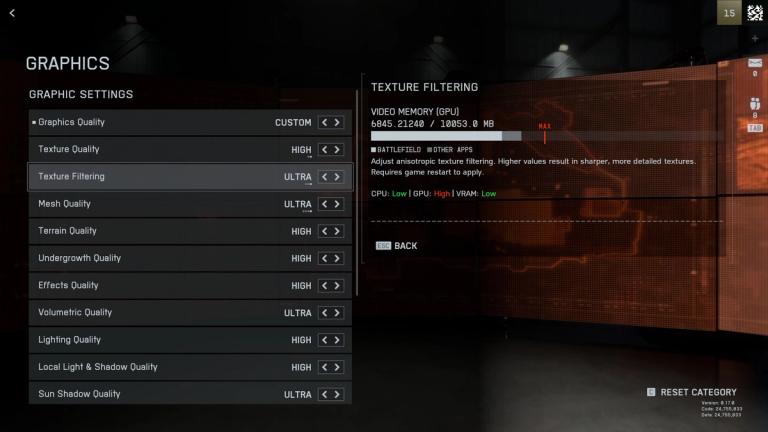
The one setting that you shouldn't blindly crank to the maximum is Screen Space AO & GI (ambient occlusion and global illumination). This setting goes from off all to way to SSGI High. SSGI stands for Super Sampled Global Illumination, which has a massive impact on GPU computing.
GTAO High will be the sweet spot for most people, players with very weak GPUs can use GTAO Low, but we don't recommend to turn it off as it will impact the game's visuals too much.
Other than SSAO and GI, you should adapt your settings based on your setup, which thankfully is easy in Battlefield 6. Every setting lets you know which component it will impact the most (CPU, GPU, VRAM).
In our experience, VRAM will not be a problem even at 1440p with 8GB VRAM, so you can safely ignore those warnings.
If you're running a strong CPU with a mid range GPU, crank the CPU settings up and don't got overboard on the GPU-impactful options. For those who spent all their budget on a GPU and ended up with a weaker CPU, turning down Shadows, Mesh, and Terrain Quality should fix most issues.
For those who are barely below 60, ranging between 50 and 60FPS, AMD Frame Generation is also available under Graphics-> Advanced.
Camera Settings
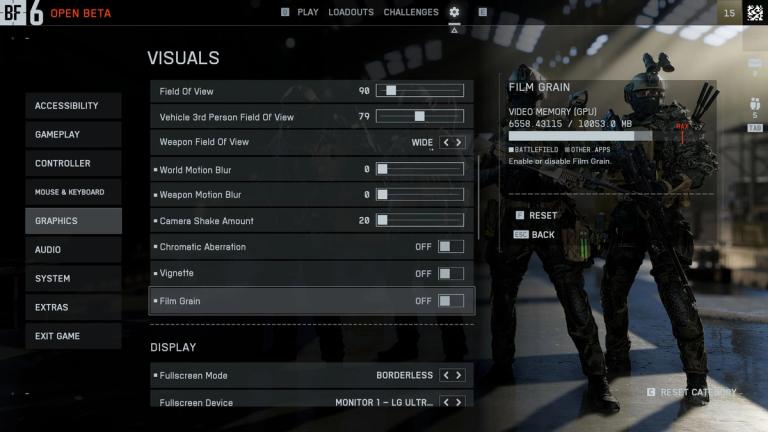
The best Battlefield 6 settings can be summed up in a few words: the least fluff, the better. Although it does have a more casual focus than a lot of other FPS games out there, BF6 still is a competitive experience in multiplayer, so we don't want flashy effects and post-process magic getting in the way of clarity.
Here is the best optimisation for camera settings:
- World Motion Blur- 0
- Weapon Motion Blur- 0
- Camera Shake Amount- 20 (doesn't go lower).
- Chromatic Aberration- Off
- Vignette- Off
- Film Grain Off
Not only will this give you a much cleaner image, it will likely give you a minor performance boost.
What About DLSS In Battlefield 6?
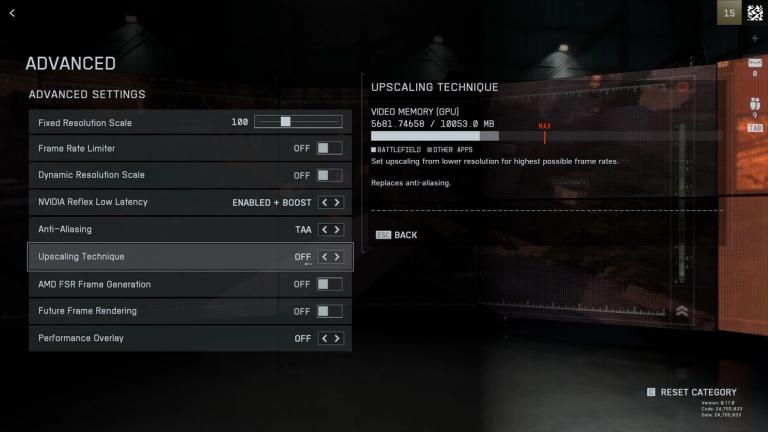
At the time of writing this, DLSS and DLAA upscaling technologies are gone from BF6's second weekend beta. This problem is already being fixed, so it should be resolved soon.
With that being said, Nvidia users who are struggling to maintain the FPS they are aiming for can use FSR or XESS, which will obviously be the go-to for AMD and Intel users, respectively. In our experience, though, you're better off keeping your game at native resolution with no upscaling and no frame-gen techniques, as it is quite optimised.
Native comes in three fashions (four when DLAA comes back): TAA, FSR Native, and XESS Native. Experiment with these three options and see whichever you prefer, they have negligible performance differences.
Want to be the best? Upgrade your gaming setup
If you’re looking to upgrade your gaming setup, here are some of our top gear picks that combine performance, reliability, and great value:
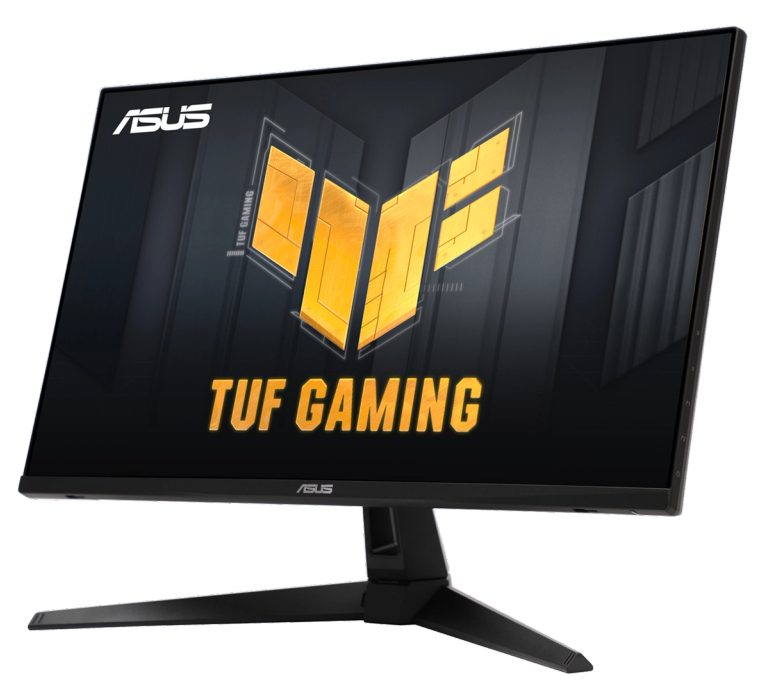
Monitor: ASUS TUF Gaming VG279QM1A Gaming Monitor
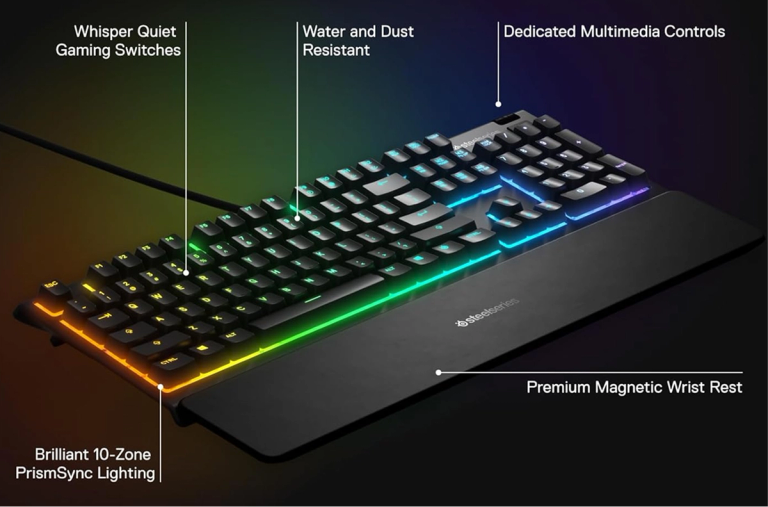
Keyboard: SteelSeries Apex 3 RGB Gaming Keyboard
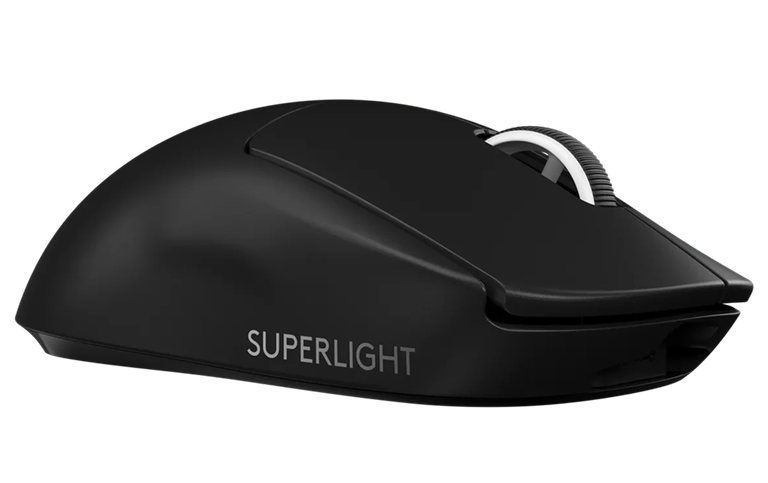
Mouse: Logitech G PRO X SUPERLIGHT
As an Amazon Associate we earn from qualifying purchases.