All cheat console commands in Abiotic Factor
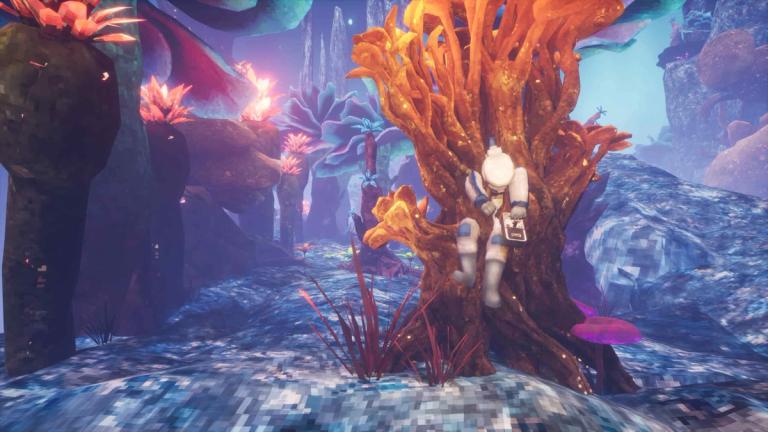
If you're playing Abiotic Factor and want to tweak your gameplay or just mess around a bit, using cheat console commands can be really handy. These commands come from the UE4SS mod, which is a script system for Unreal Engine games.
You'll need to install that first, then the Cheat Console Commands mod on top of it. After setting it up, you can open the console in-game using the F10 or tilde (~) key.
Here’s a breakdown of the commands you can use and what they actually do. Some of them only work if you're the host in multiplayer, so keep that in mind.
All cheat console commands in Abiotic Factor
Basic commands
These are for checking the mod or seeing what’s active:
- "help" shows all commands or details for a specific one
- "status" or "settings" displays current mod status and active commands
- "disableall" or "alloff" turns off everything at once
Health and stamina
Keep your character alive and full of energy:
- "god" enables all survival cheats together
- "heal" restores your health instantly
- "health" or "infhp" makes you invincible
- "hpreg" sets how fast you regenerate health, use 0 to turn it off
- "stamina" or "infsp" gives you infinite stamina
Gear and tools
Make sure your stuff never breaks:
- "infdurability" keeps your items from losing durability
- "energy" or "infenergy" keeps equipment like flashlights or jetpacks charged
- "nooverheat" stops jetpacks from overheating
Inventory and needs
Handle weight and survival needs easily:
- "infweight" or "carryweight" lets you carry as much as you want
- "hunger" removes the need to eat
- "thirst" removes the need to drink
- "fatigue" or "nofat" keeps you from getting tired
- "infcon" or "noneed" means you won’t have to use the toilet
- "lowcon" or "laxative" sets low bathroom need but still lets you go
- "instwc" or "fastpoop" makes bathroom use instant
Environment resistance
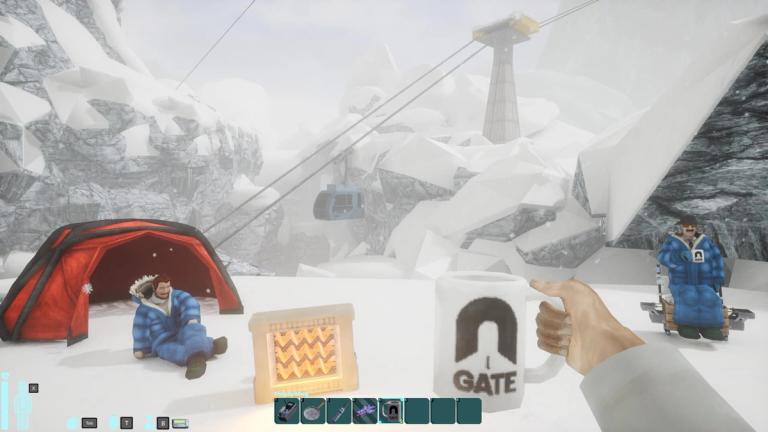
Avoid damage from the world:
- "rad" or "noradiation" stops radiation effects
- "nocold" or "nohot" keeps temperature from affecting you
- "oxygen" or "infoxygen" lets you breathe underwater
- "falldmg" stops fall damage
Crafting and items
Get what you want without the wait:
- "freecraft" gives you access to all crafting items and stations
- "instantcrafting" speeds up the crafting process
- "money" <value> sets your cash to whatever number you want
- "infammo" gives you endless ammo
- "norecoil" reduces weapon recoil
- "nosway" keeps your aim steady
Farming and fishing
Speed up those tasks:
- "instplants" grows all crops instantly
- "instantfishing" completes fishing immediately
Leyak stuff
Manage Leyak capture:
- "trapleyak" traps the next Leyak you encounter
- "freeleyak" releases a Leyak from a container
Traits and movement
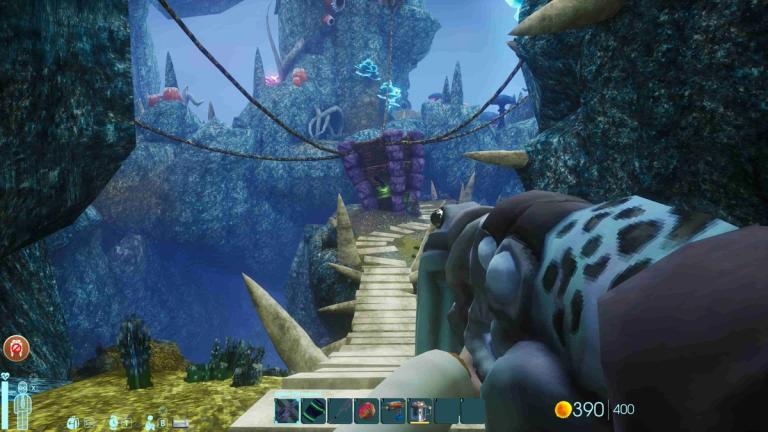
Play around with character traits and movement:
- "inftraits" lets you pick unlimited traits
- "noclip" or "ghost" lets you fly and move through objects
- "speedhack" <value> changes your walk/run speed
- "playergravity" <value> changes how gravity affects you
Skills and XP
Level up or reset your progress:
- "addxp" or "skillxp" adds experience to a skill
- "removexp" or "resetskill" resets a skill to zero
- "resetallskills" clears all your skill XP
Journal and time
Control the world’s state:
- "journalentry" unlocks all journal pages
- "masterkey" or "opendoor" opens locked doors
- "setweather" <type> changes weather conditions
- "settime" <"HH:MM"> changes in-game time
Enemies and drops
Clear or refresh things around you:
- "killallnpc" removes all nearby enemies
- "spawnallnpc" brings them back
- "killdropped" deletes dropped items around you
Locations and teleport
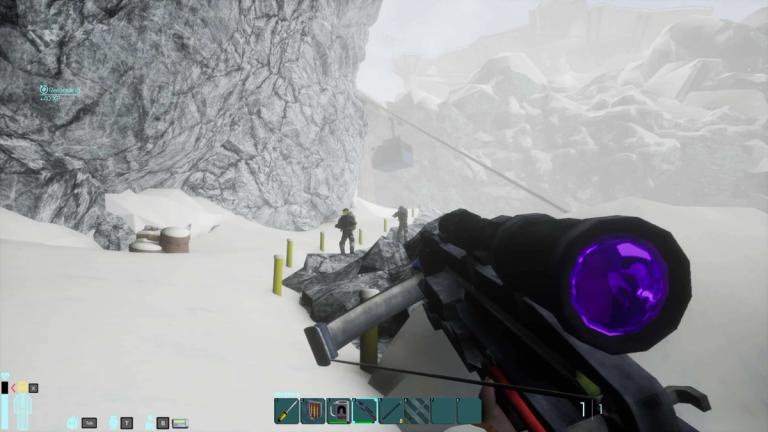
Manage waypoints and teleport:
- "locations" shows saved waypoints
- "saveloc" <name> saves your current spot
- "loadloc" or "goto" <name> takes you to a saved location
- "playerlist" shows all players in the session
- "teleportto" <name/index> sends you to a player
- "teleporttome" <name/index> pulls them to you
Player interactions
Control multiplayer actions:
- "smite" <name/index> kills a player
- "revive" <name/index> brings a player back
- "givexp" or "takexp" changes another player’s skill XP
Object and item fixes
Small utilities for bugs or object control:
- "poop" makes your character poop on the ground
- "deleteobject" removes nearby objects
- "fixliquid" fixes wrong liquid info on an item
FAQ
How do I open the console in Abiotic Factor?
- Press F10 or the tilde (~) key after installing the UE4SS mod and Cheat Console Commands mod.
Do I need to be a host to use these commands?
- Most commands only work if you're the host in multiplayer. Some work partially for guests, like hunger or thirst.
Can I get banned for using these?
- These mods only affect local and hosted multiplayer games. There's no server-side enforcement or anti-cheat yet, but use at your own risk if rules change.
Where do I install the mod files?
- Drop them into the \AbioticFactor\Binaries\Win64\ue4ss\Mods folder. Make sure UE4SS is installed properly too.
Is there a way to turn off all cheats at once?
- Yes, use the command "disableall" or "alloff" to reset everything.
What’s the difference between ghost and noclip?
- They’re the same here, both let you fly and move through walls or terrain.
Can I adjust my movement speed or gravity?
- Use "speedhack" <value> to walk or run faster, and "playergravity" <value> to mess with gravity settings.