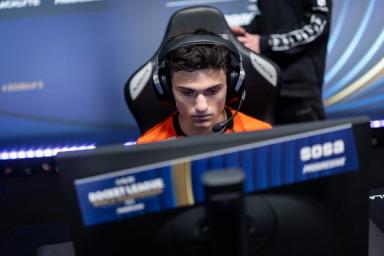
Dignitas ApparentlyJack's Rocket League settings
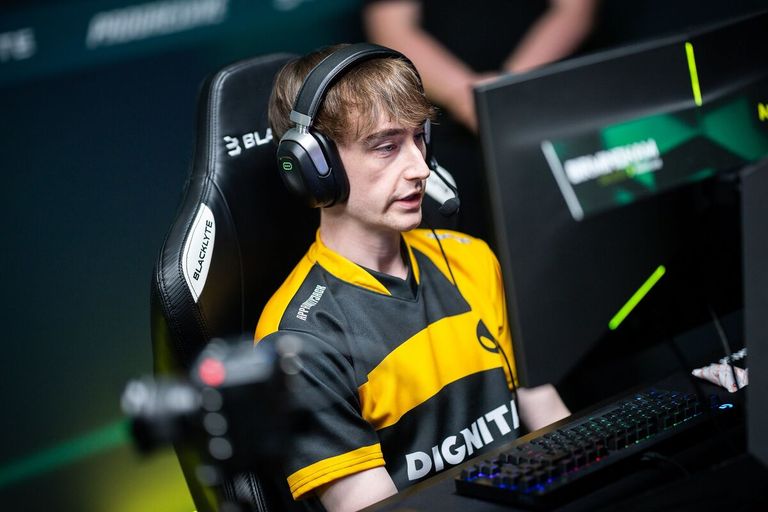
ApparentlyJack is one of the most popular players in Rocket League. Not only is he a pro, he's also an excellent content creator, and he's experienced great success in his career, too.
Currently playing for Dignitas, English star ApparentlyJack previously played for Gen.G for just over two years. Whilst a part of Gen.G, ApparentlyJack finished in the top four of the 2024 Esports World Cup, as well as coming in first place at the RLCS 2022-2023 Fall Split Major.
On his YouTube channel, ApparentlyJack boasts 231k subscribers, who all return daily to watch his impressive gemplay.
With that said, it often leaves those viewers and fans asking one question: "How do I play like ApparentlyJack?" Well, if you're one of those people, don't worry, we've got you covered.
In this guide, just like we did for Falcons' Rw9, we'll go through ApparentlyJack's Rocket League settings.
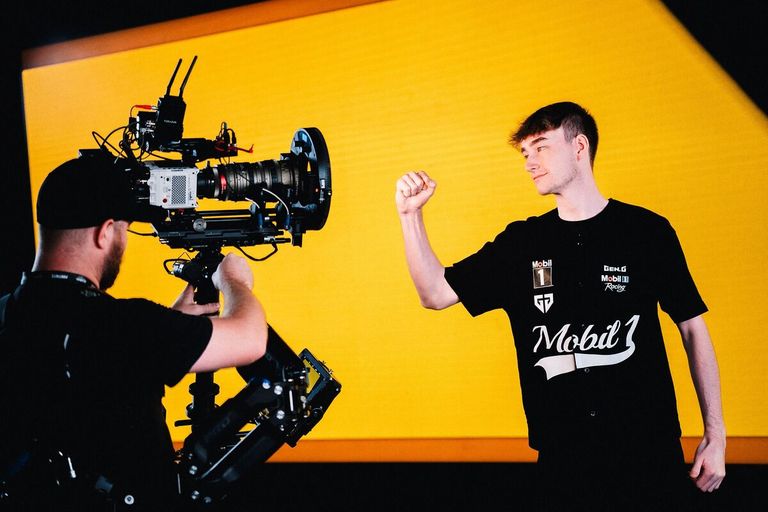
ApparentlyJack RocketLeague settings
Having been active since 2019, ApparentlyJack is one of the most experienced players in Rocket League today.
Although he was only the coach of his first team, Infinity eSports, ApparentlyJack soon transitioned to playing and later signed for prestigious organisations like Gen.G and Dignitas.
If you're wishing to emulate ApparentlyJack and have a Rocket League career of your own, ApparentlyJack's Rocket League settings are a great place to start.
Camera Settings
- Camera Shake: Off
- Field of View (FOV): 110
- Height: 100
- Angle: -3.0°
- Distance: 270
- Stiffness: 0.40
- Swivel Speed: 4.00
- Transition Speed: 1.70
- Ball Camera: Toggle
Read more: zen's Rocket League settings
Control Settings
- Powerslide: L1
- Air Roll (Left/Right): L1 (Square / Circle)
- Boost: R1
- Jump: Cross
- Ball Cam: Triangle
- Brake: L2
- Throttle: R2
Read more: Karmine Corp dralii's Rocket League settings
Deadzone Settings (as of March 6, 2024)
- Deadzone Shape: Cross
- Deadzone: 0.05
- Dodge Deadzone: 0.70
- Aerial Sensitivity: 1.64
- Steering Sensitivity: 1.40
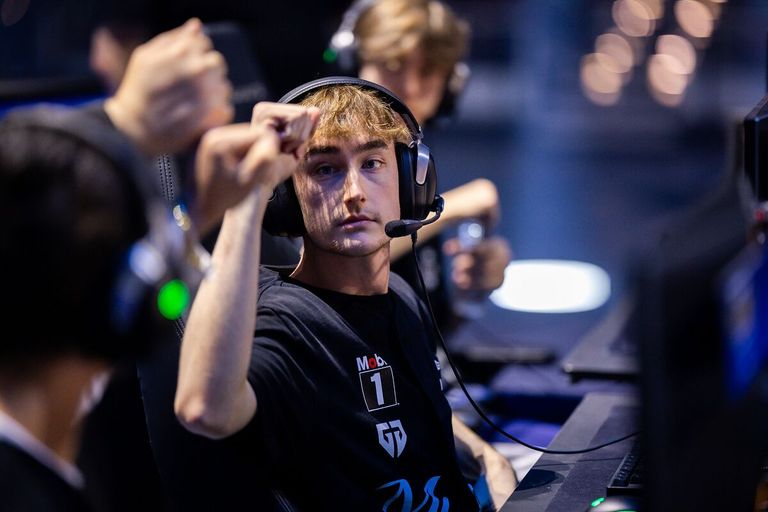
Want a Rocket League pro career? ApparentlyJack's Rocket League settings are a great place to start.
However, it's important to remember that pro player settings aren't enough for you to become pro. Pro Rocket League players put an incredible amount of time and energy into the game, and practice is everything.
Settings also ultimately come down to personal preference, and therefore ApparentlyJack's Rocket League settings should only be used as a starting point. Make sure to tweak them until they become comfortable and personal to you.

 Team Falcons
 Spacestation
 Team FalconsTeam FalconsSpacestationTeam Falcons