Wardogs: How to fix WD-L020 error
If Wardogs suddenly stopped launching and started throwing the WD-L020 error, there is a good chance you did not actually break anything on your PC. A lot of players started running into the same problem right after the recent Windows 11 update.
What is causing the Wardogs WD-L020 error?
The timing here is pretty hard to ignore. Players who could launch Wardogs normally started getting WD-L020 after Windows installed KB5124010.The update brings Windows 11 to OS builds 26200.9550 and 26100.9550 depending on the Windows version. Team17 says its preliminary investigation found a potential compatibility issue with this update.
There are also reports where Wardogs briefly shows its splash screen and then closes, sometimes followed by the Crash Report Handler appearing for a moment. One player found repeated crashes involving runtime.dll after installing the update, although that does not confirm runtime.dll itself is the root cause.
So I would not immediately start reinstalling your GPU drivers, Windows, Steam, or half your PC. If the problem appeared right after the latest Windows update, checking KB5124010 first makes much more sense.
How to fix Wardogs WD-L020 error
Right now, the most straightforward temporary workaround is the same one Team17 has shared: roll back KB5124010.You can do it through Windows without messing around with commands:
- Open Settings.
- Go to Windows Update.
- Open Update history.
- Scroll down and select Uninstall updates.
- Find KB5124010.
- Select Uninstall.
- Let Windows finish removing it.
- Restart your PC.
- Launch Wardogs again.Team17 specifically says rolling back KB5124010 may allow Wardogs to launch again.I would definitely restart the PC before testing the game. There are player reports where the update was removed and Wardogs worked normally again after the restart.
FAQs
What is the Wardogs WD-L020 error?
- WD-L020 is a Wardogs launch error currently being reported by some PC players. Team17 has identified a potential compatibility issue involving Windows 11 update KB5124010.
Does Windows 11 KB5124010 cause Wardogs WD-L020?
- Team17 says its preliminary investigation found a potential compatibility issue with KB5124010. Multiple players have also reported that WD-L020 appeared after installing the update and disappeared after rolling it back. That is strong evidence of a connection for affected systems, but it does not mean every WD-L020 case has the same cause.
How do I fix WD-L020 in Wardogs?
- If you have KB5124010 installed, Team17 says rolling it back may allow Wardogs to launch again. Go to Settings > Windows Update > Update history > Uninstall updates, remove KB5124010 and restart the PC.
Will verifying Wardogs files fix WD-L020?
- It is worth trying, but several affected players reported that verifying files and repairing Elytra did not solve their KB5124010-related WD-L020 problem.
Is Team17 working on the Wardogs WD-L020 error?
- Yes. Team17 says it is aware of the WD-L020 reports, is actively investigating the compatibility issue and is working on a solution.
Should I reinstall Wardogs?
- I would check whether KB5124010 is installed first if WD-L020 only started after the recent Windows update. Players have reported reinstalling Wardogs or repairing Elytra without success, while rolling back the update worked for some affected systems.
What if uninstalling KB5124010 does not fix Wardogs?
- Your launch problem may not be the same issue. Team17 is investigating multiple Wardogs errors, so try the normal troubleshooting steps and keep an eye on official updates rather than repeatedly changing Windows components.
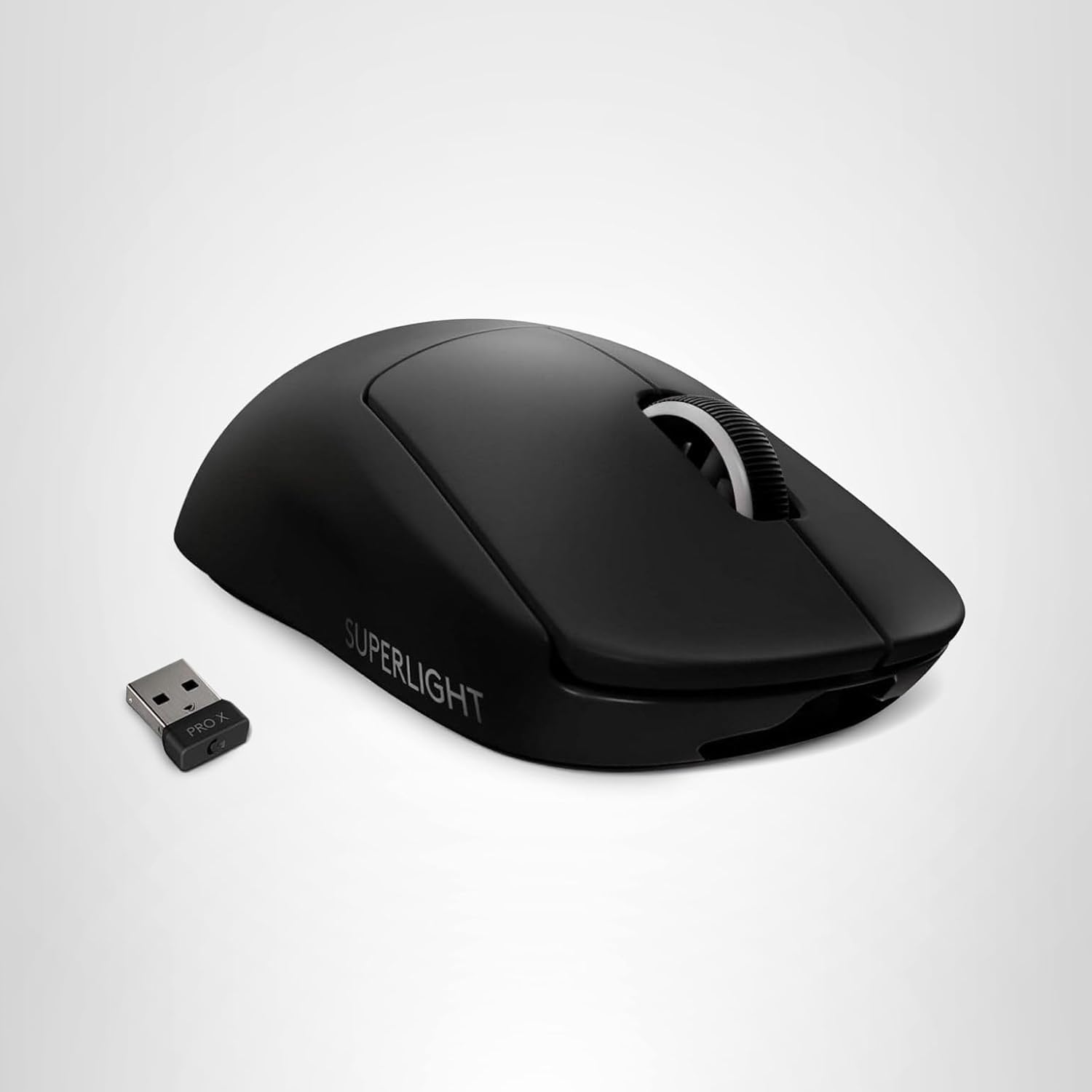
Want to be the best? Upgrade your gaming setup
If you’re looking to upgrade your gaming setup, here are some of our top gear picks that combine performance, reliability, and great value:


As an Amazon Associate, we earn from qualifying purchases.