How to trade with co-op players in Borderlands 4
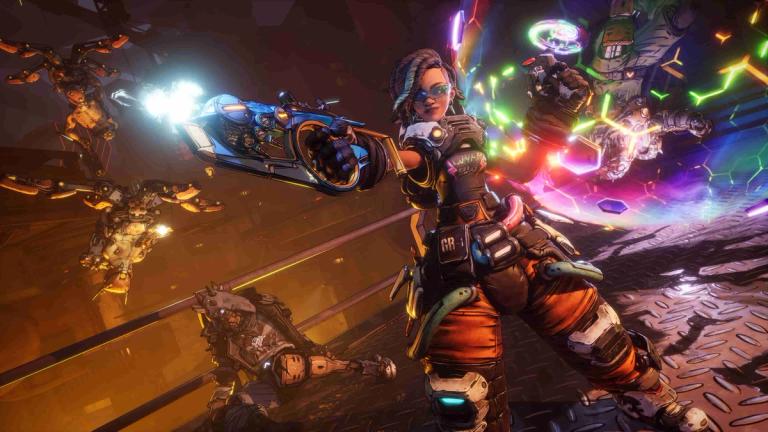
Trading in Borderlands 4 is pretty straightforward once you know how it works. If you're playing with friends or random co-op partners and want to share gear, it's easy to set up.
Here's how you can trade items, what you can give, and what to watch out for so nothing important gets lost.
How to start a trade in Borderlands 4
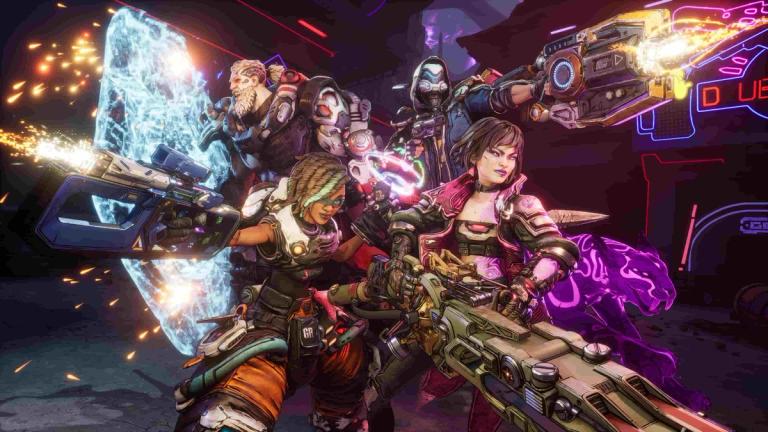
To begin, both players need to be in the same co-op session. Once you're in the same game, walk up to the player you want to trade with and look directly at their character. A prompt to initiate a trade will appear.
Send the trade request, and the other player has to accept it for things to move forward.
After that, the trade screen opens. You’ll see both inventories side by side. Just select the items or cash you want to offer and wait for the other player to do the same.
Once you're both happy, hit confirm. The trade only goes through if both players accept.
Make sure you double-check everything before confirming. Once it’s done, you can’t undo the trade.
What can you trade in Borderlands 4?
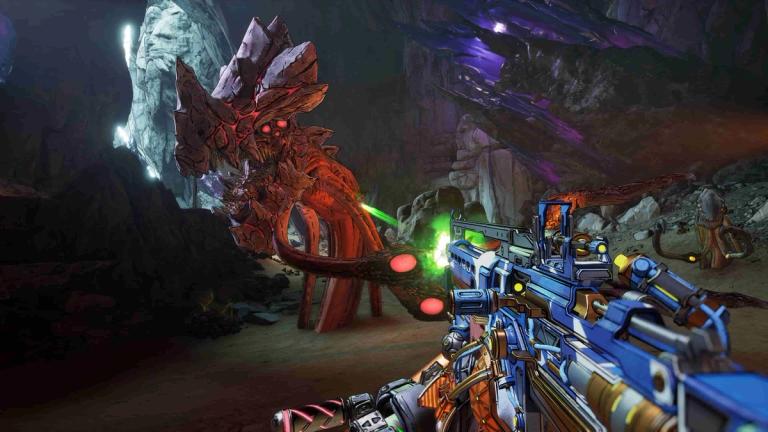
There’s a decent range of stuff you can trade in Borderlands 4. Here’s what’s allowed:
- Weapons like sniper rifles, rocket launchers, shotguns, and more
- Shields
- Class Mods
- Money
- Grenade Mods
- Relics
If the item is in your inventory and isn’t locked or restricted by story progress, chances are you can trade it.
Things to keep in mind
It’s best to communicate with the person you’re trading with, especially if you're giving away rare gear. Let them know what you're offering and what you want in return.
Keep an eye on item levels. If your friend is lower level than you, they won’t be able to use higher-level gear right away.
Also, not every item fits every build or character class, so try not to give someone gear that’s useless for them.
Trading is final. Once you hit confirm, there’s no way to reverse it. Make sure you’re not giving away something you’ll need later.
Tips for smoother trades
- Always check the other player’s character class before handing over Class Mods
- Use voice or text chat to avoid confusion
- Only trade high-value items with people you trust
- Don’t overfill the other player’s inventory or they might lose out on the trade
- If the trade option doesn’t show, make sure you’re in the same game session
FAQs
Can I trade with random players?
- Yes, as long as they’re in your co-op session, you can send them a trade request.
Can I trade Legendary weapons?
- You can, but be careful. Make sure it’s not something you’ll regret giving away.
Can you trade across different platforms?
- Borderlands 4 has crossplay, but trading may be limited to same-platform players. Always check what’s supported.
Is there a way to cancel a trade after confirming?
- No. Once both players hit confirm, the trade is done and can’t be reversed.
What if I can’t see the trade prompt?
- Make sure you're standing close, facing the player, and in the same session. If it still doesn't show, restart the game or session.