Crimson Desert: How to use the lantern

I spent a good amount of time exploring Crimson Desert, and one thing that quickly became clear is how important the Lantern is once night falls.
Pywel gets very dark, and without it, you will miss paths, puzzles, and even key interactions.
How to use the lantern in Crimson Desert
What do the Lanterns do in the Crimson Desert?
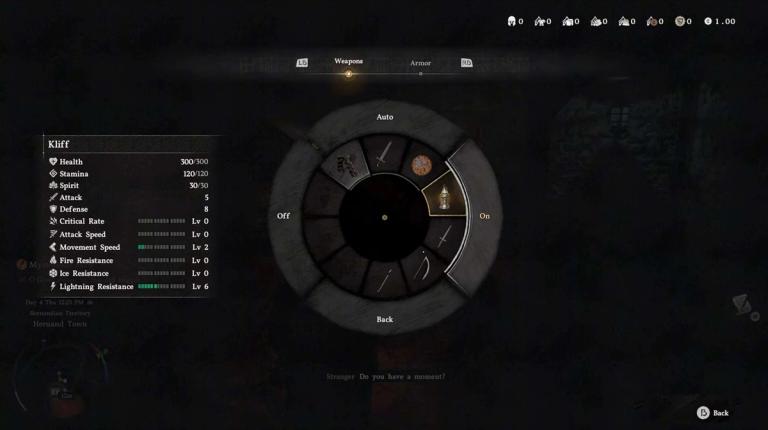
The Lantern is not just for visibility. It helps you explore dark areas, solve environmental puzzles, and activate certain fast travel points.
Some hidden elements in the world only appear when you shine light directly on them.

Crimson Desert: How to complete Blix Bounty
How to equip the Lantern
To use the Lantern, you need to open the radial menu where your quick items are stored. On the console, press the left D-Pad. On PC, press F2.
Once the menu is open, select the Lantern and equip it. It turns on automatically and attaches to Kliff’s belt, so you do not need to hold it in your hand.
How to control the Lantern
After equipping it, the Lantern will light up the area around you as you move. For more precise use, you can focus the light in a specific direction. Hold L1 on PlayStation, LB on Xbox, or Left Control on PC.
How to turn the Lantern off
If you do not need it, open the radial menu again and switch it off.

Crimson Desert: How to shovel
FAQs
How do you open the Lantern menu in Crimson Desert?
- Use the radial menu by pressing the left D-Pad on console or F2 on PC.
Do you need to hold the Lantern while using it?
- No, it stays attached to your belt and works automatically once equipped.
Can the Lantern be used for puzzles?
- Yes, focusing the light helps reveal hidden elements and solve puzzles.
How do you focus the Lantern light?
- Hold L1 on PlayStation, LB on Xbox, or Left Control on PC.
Can you turn the Lantern off?
- Yes, go back to the radial menu and switch it off manually.
Want to be the best? Upgrade your gaming setup
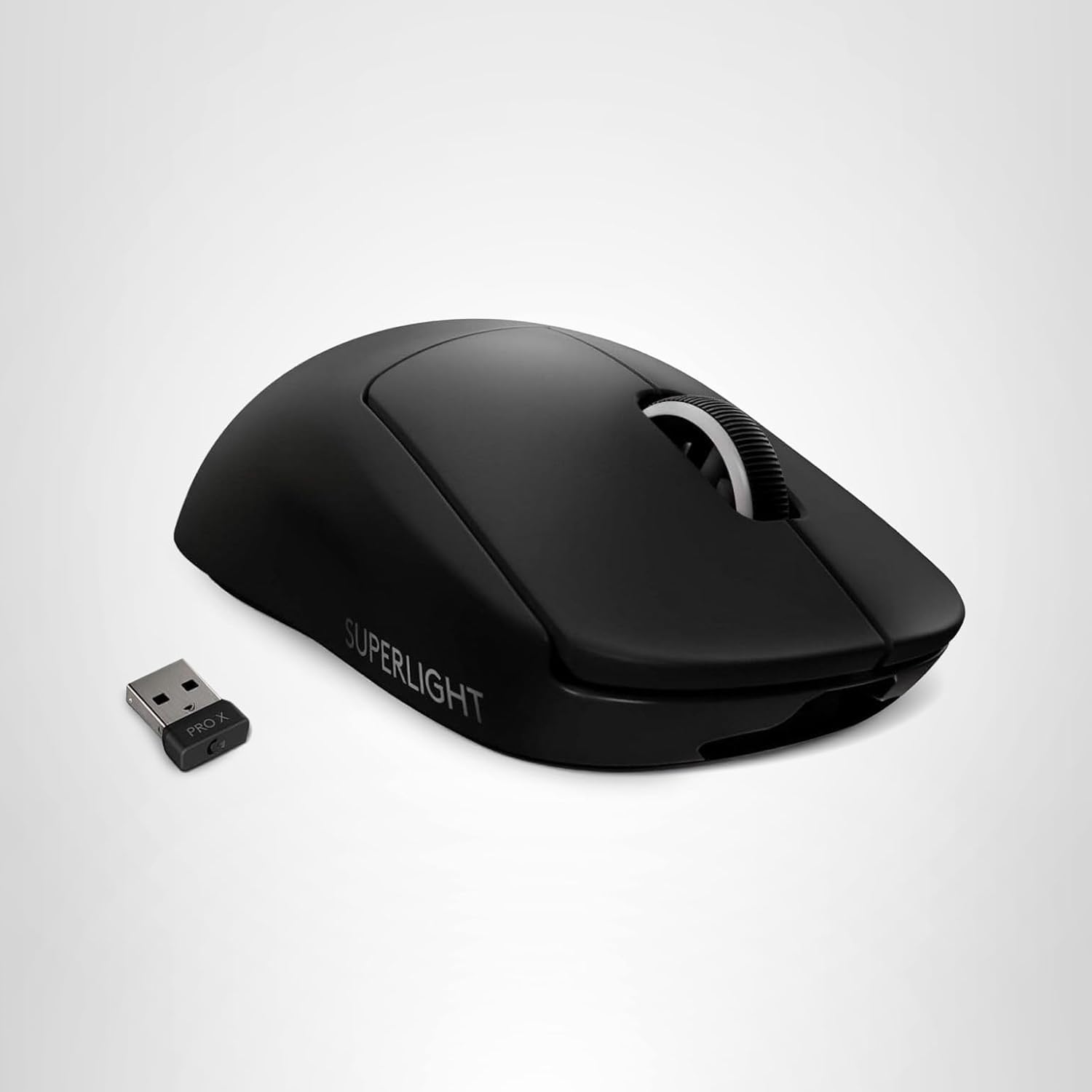
If you’re looking to upgrade your gaming setup, here are some of our top gear picks that combine performance, reliability, and great value:


As an Amazon Associate, we earn from qualifying purchases.