Brawl Stars: How to get the Clown pin for free
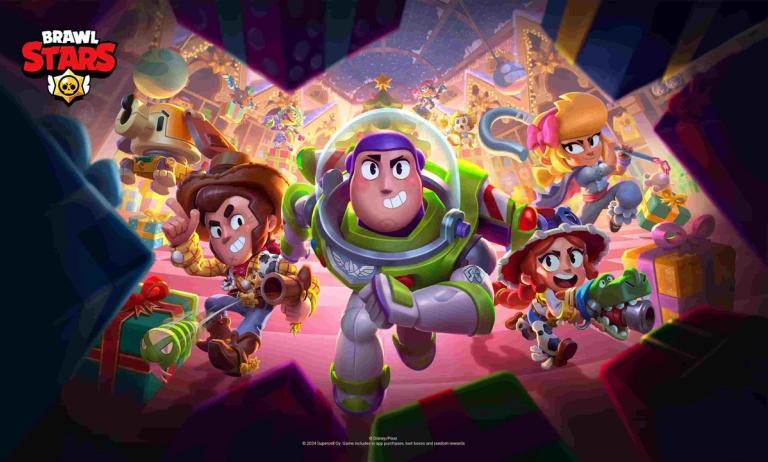
Brawl Stars has a habit of sending free stuff to its fan base, whether it is a profile icon, pin, or more.
Among all the free stuff, you can redeem the Clown pin in Brawl Stars in just a few steps.
However, it is not the recent freebie that the developer is providing, yet you can still redeem it.
To help you with that, here is a comprehensive guide on how you can redeem the Clown pin in Brawl Stars.
How to get the Clown pin for free in Brawl Stars
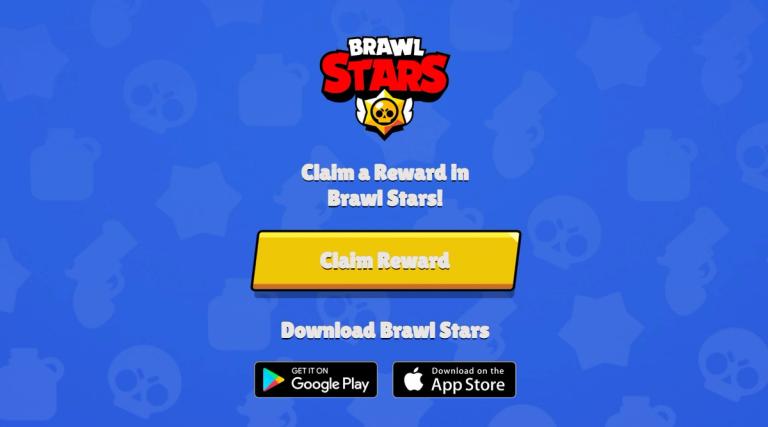
First things first, make sure you’re logged into the right Brawl Stars account.
Open up the game and check that you’re using the account you want the Clown Pin on. If you're good to go, it’s time for step two.
Next, you will need to find the special voucher link provided by Supercell.
This link will take you to a page with a ‘Claim Reward’ button.
But here’s a crucial point: You have to do this on your mobile device, not on your PC. Once you click the button, Brawl Stars will automatically launch on your phone.
Once the game opens, you’ll see a pop-up window asking if you want to claim the Clown Pin. Just hit ‘Claim’, and the pin will be added to your account right away. It’s that simple.
A couple of things to keep in mind, though. You can only claim this reward once per account, so make sure you're on the right one. If you mess up and try to claim it on the wrong account, log out and log back in with the correct one to get it.
If you're having trouble claiming the reward, it might be because the voucher link has expired or you’re dealing with some connectivity issues. If that's the case, just double-check everything and try again.