Brawl Stars: How to get Pizza Player Icon for free
Supercell is known for giving out freebies in Brawl Stars, and right now, they're offering the Pizza Profile Icon for free. If you don’t know what a player icon is, it is basically your display picture of your Brawl Stars account.
If you want to add this icon to your profile, it’s easy to claim with just a few steps. In this guide, we’ll walk you through how to get the Pizza Profile Icon in no time.
How to get Brawl Stars Pizza Profile Icon for free
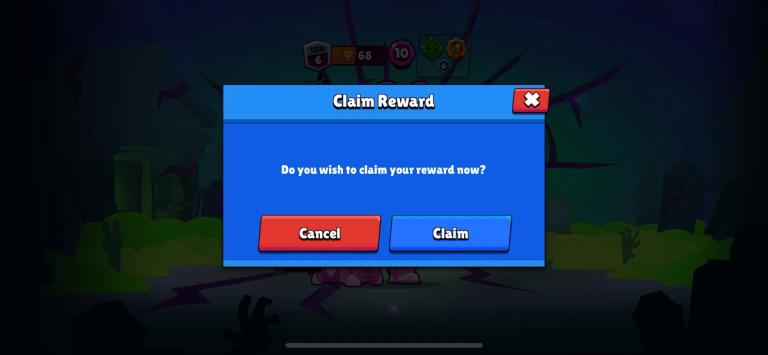
Step 1: log into your Brawl Stars account
Before you do anything, make sure you’re logged into the correct Brawl Stars account. If you're not, just open the game and log in with your account to get started.
Step 2: Click on the voucher link
Once you’re logged in, you’ll need to click on the special voucher link provided by Supercell. This link will take you to a webpage where you’ll see a ‘Claim Reward’ button.
Step 3: Tap the ‘Claim Reward’ button
Now, this is important: make sure you’re doing this on your mobile device and not your PC or laptop. When you click the ‘Claim Reward’ button, the Brawl Stars game will automatically open.
Step 4: Claim the Pizza Profile Icon
Once Brawl Stars opens, a pop-up window will appear in the game. Simply click the ‘Claim’ button in the pop-up, and you’ll get the Pizza Profile Icon added to your account.
Important notes:
- One-time claim: You can only claim this reward once per account. If you accidentally tried to claim it on the wrong account, just log out and log back in with the correct one to claim it.
- Troubleshooting: If you can’t claim the reward, it could be due to an expired link or connectivity issues. Double-check and try again.