How to play Rocket League workshop maps on Epic Games
Step 1 - Install BakkesMod
BakkesMod is the central hub that nearly any third-party tool for Rocket League is built on.
It enables PC players on both Steam and Epic Games to display MMR in-game, automatically upload replays, equip custom cosmetic items, and so much more.
It's all but guaranteed that your favorite pro and/or content creator has BakkesMod installed. Even Psyonix itself uses it for broadcasts!
For those who launch Rocket League via the Epic Games launcher, installing Steam Workshop maps isn't quite as simple as it is on Steam. However, it is still very easily achievable!
Thankfully, one of the countless plugins made for BakkesMod by the community enables Epic Games users to do just that.
The first step will, of course, be to install BakkesMod itself using the following instructions.
- Head over to the BakkesMod download page
- Click on the text that says "Click here to download"
- Once downloaded, extract the zip file to a location that'll be easy to find. Most people simply put it on their Desktop for simplicity.
- Double-click on BakkesMod to run it for the first time. This may take a little while as the program downloads some necessary files and checks for any updates.
- Finally, without closing BakkesMod, launch Rocket League however you normally do.
- Once Rocket League is open, press F2 (or Fn + 2) to open the BakkesMod menu. If it pops up on your screen, you've successfully installed BakkesMod!
If you get lost at any point, please refer to the video below, which shows each step and explains some of BakkesMod's key features.
Step 2 - Install and set up the Workshop Map Loader plugin
The BakkesMod community has created an endless number of plugins that can enable all sorts of additional features within Rocket League.
Thankfully, there's only one plugin needed for this guide, and it's very simple to install and set up.
- Make sure BakkesMod and Rocket League are already open and running
- Head over to the Workshop Map Loader & Downloader webpage
- Click the "Install with BakkesMod" button near the top right
- Accept any prompts you are given and wait for the plugin to install
- Tab back into Rocket League and press F2 (or Fn + 2) to open the BakkesMod menu
- Navigate to the "Plugins" tab, then to the "WorkshopMapLoader" plugin, and then click "Open Window"
- Tab back out of Rocket League and create a folder wherever you want. This folder will hold your Workshop maps.
- Copy the folder's path (found at the top of your File Explorer window) and paste it into the Map Loader window in Rocket League.
- Add a "/" to the end of the path if there is not one there already
Once again, check out the video below if you need help with any of those steps!
Step 3 - Download some cool maps!
Now that you've got everything installed, it's time to enjoy some awesome community-made maps!
Within the Workshop Map Loader menu you opened just a moment ago, select the "Search Workshop" tab. You should then see something like this:
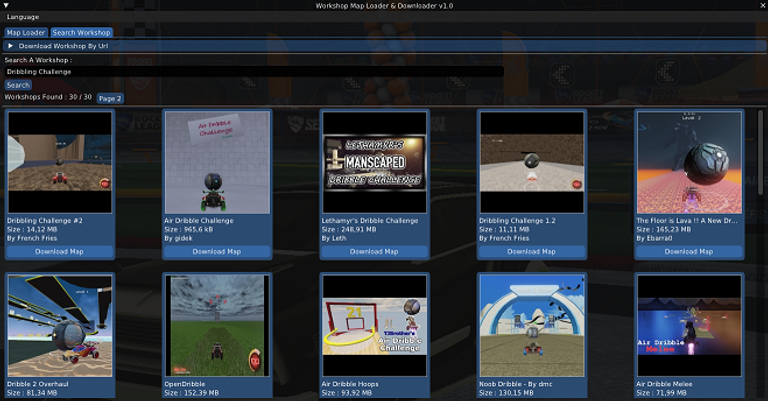
Once you've reached this screen, simply type a map name or other keyword in the search bar, find the map you want to play, and click the "Download Map" button.
Your downloaded maps will then appear under the "Map Loader" tab, from which you can launch them and enjoy!
The sheer amount of maps to choose from can be quite overwhelming, so here are a few recommendations to get you started:
Master air roll with rings maps
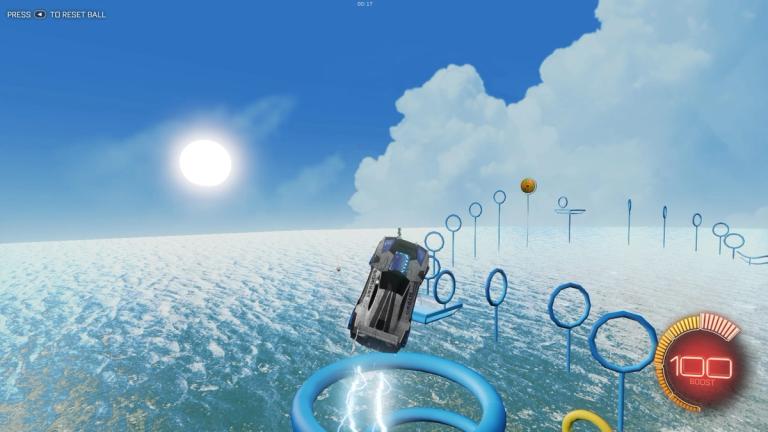
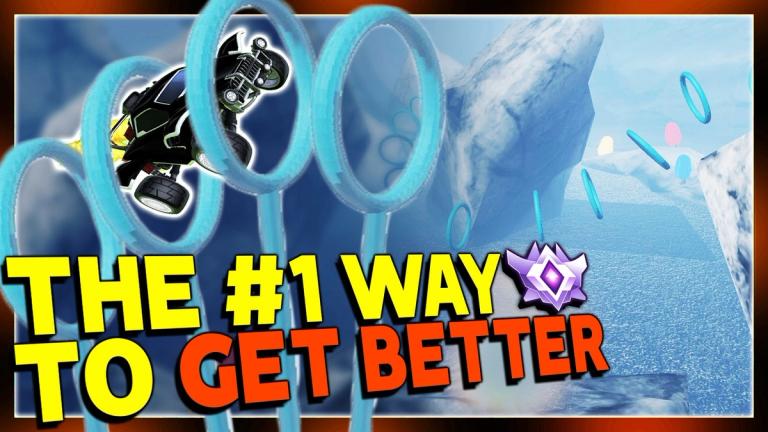
Rings maps are the go-to for anyone looking to fully control their car in the air or perhaps conquer some new directional Air Roll control bindings.
There are plenty of variations to choose from, but the most recommended within the community are Lethamyr's Giant Rings and Speed Jump: Rings 3 by dmc.
Might as well download both and try and set some personal best times.
Shot placement is underrated
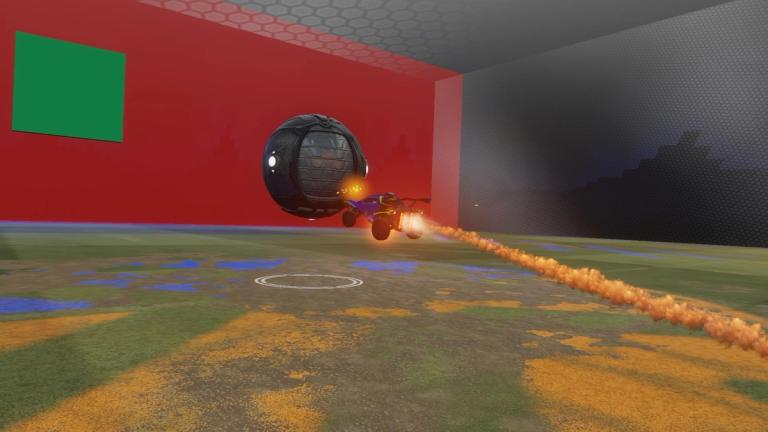
Precision when it comes to shooting is often overlooked in favor of power.
Power shots, pinches, and everything in between have their place, but precision does not have nearly enough emphasis for how important it is.
Being able to send the ball exactly where you want will instantly elevate not only your shots, but also your passes, clears, and literally every hit you make.
The most straightforward and effective way to train this underrated mechanic is through the aptly named Aim training map by CoCo.
Float like a butterfly...
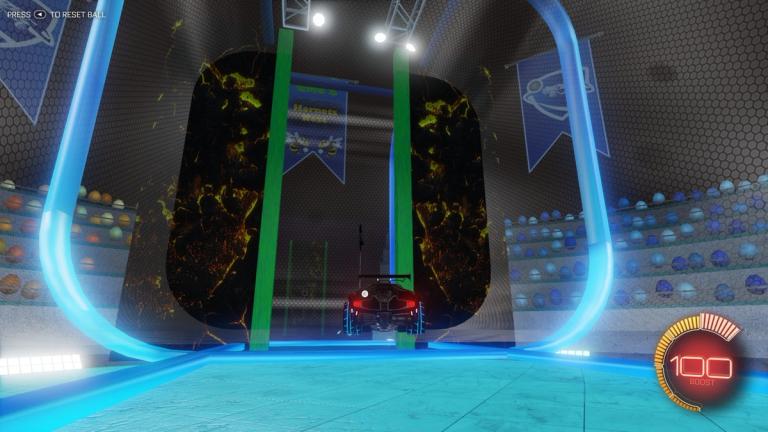
Along with hitting the ball and flying, your movement on the ground is another essential pillar of becoming a well-rounded Rocket League player.
In multiple levels reminiscent of the show Hole in the Wall, the challenging Hornets Nest map by dmc will push you to rethink how you angle yourself during recoveries, how you drive along the wall, and whether there are easier ways to dodge those pesky demo-chasers.
Take advantage of the massive selection!
Beyond the maps recommended in this article, make sure to ask your friend if they have any recommendations, or perhaps see if your favorite content creator has a video related to their favorite Workshop maps.
There are plenty of maps to choose from, whether they help you develop your skills or add an entirely new game mode for you and your friends to enjoy together.

 Team Falcons
 Spacestation
 Team FalconsTeam FalconsSpacestationTeam Falcons