Sand Raiders of Sophie: How to buy and sell items
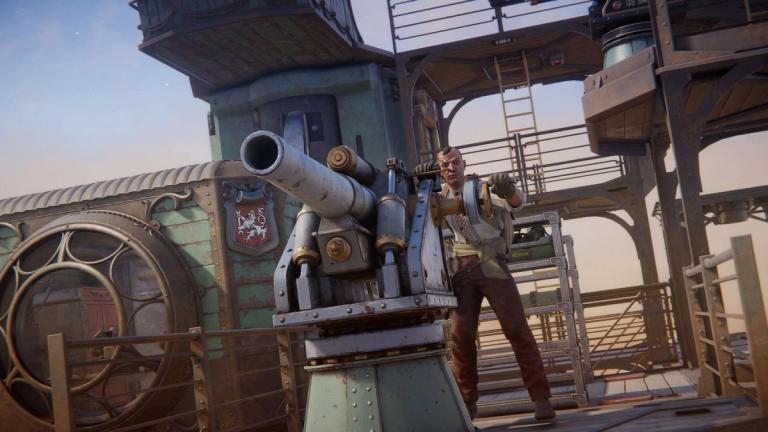
Managing your resources is a big part of progressing in Sand Raiders of Sophie. Every successful expedition gives you materials that can be used to improve your Walker, craft useful items, or earn extra currency.
Since your storage space is limited, knowing when to buy and sell items can help you stay organized and keep the resources you actually need.
How to unlock the shop in Sand Raiders of Sophie
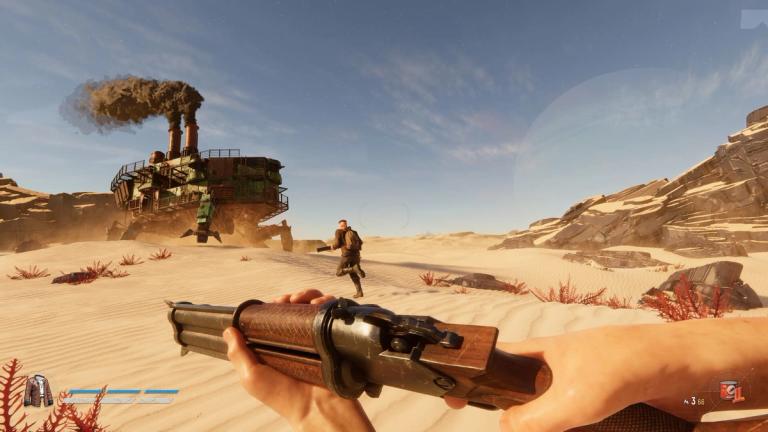
You cannot use the shop right away. The shop only becomes available after you complete a successful extraction.
During an expedition, every resource you collect is at risk until you safely extract. If you are eliminated before reaching the extraction point, you lose everything you gathered during that run. A failed expedition also means you won't be able to access the shop until you complete another successful extraction.
Once you make it back safely, open the Storage tab at your base. You will find the shop options in the bottom-right corner of the menu.
Unlike many games, Sand Raiders of Sophie does not have a shop NPC.
How to buy items in Sand Raiders of Sophie
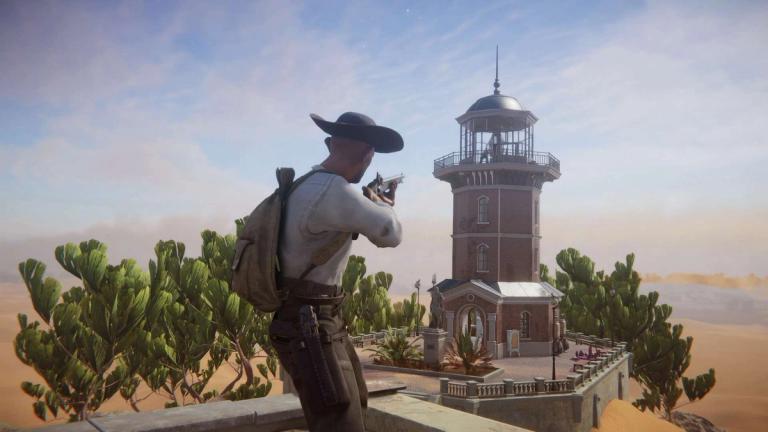
Buying items is straightforward once the shop is unlocked.
Open the Storage tab after a successful extraction and access the shop from the bottom-right corner. From there, you can spend the resources or currency you have earned during expeditions to purchase useful materials for your Walker and future runs.
How to sell items in Sand Raiders of Sophie
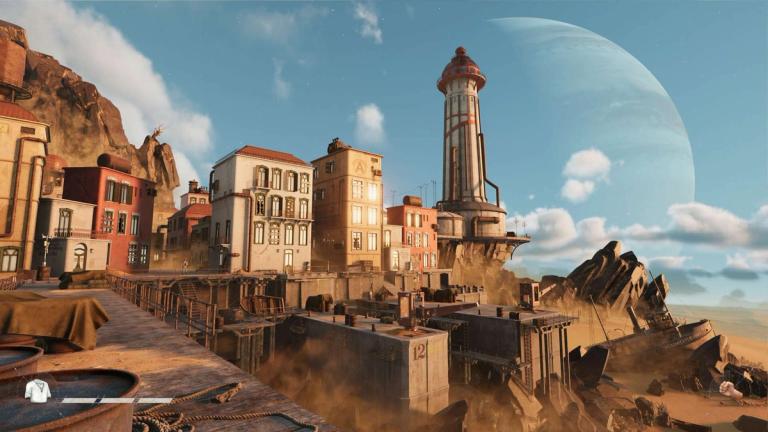
If your inventory is filling up with materials you no longer need, selling them is a good way to free up space and earn resources.
Follow these steps to sell items:
- Open the Storage menu after unlocking the shop.
- Right-click the item you want to sell.
- Check the selling price before confirming.
- Drag the item into the sell section.
- Hold the right mouse button to complete the sale.
- You can also mark multiple items and sell them together.

Sand Raiders of Sophie: How to open Black Door inside Dreadnaught
FAQs
How do you unlock the shop in Sand Raiders of Sophie?
- Complete a successful extraction, then open the Storage tab. The shop becomes available in the bottom-right corner of the menu.
Can you access the shop after a failed expedition?
- No. If you fail to extract, you lose the resources collected during that run and cannot use the shop until you finish another successful extraction.
Is there a shop NPC in Sand Raiders of Sophie?
- No. All buying and selling is done directly through the Storage menu.
Can you sell multiple items at once?
- Yes. You can mark multiple items and sell them together instead of selling each one individually.
Should you sell every resource you collect?
- No. Keep materials that may be needed for Walker upgrades or future crafting, and only sell items you no longer need.
Want to be the best? Upgrade your gaming setup
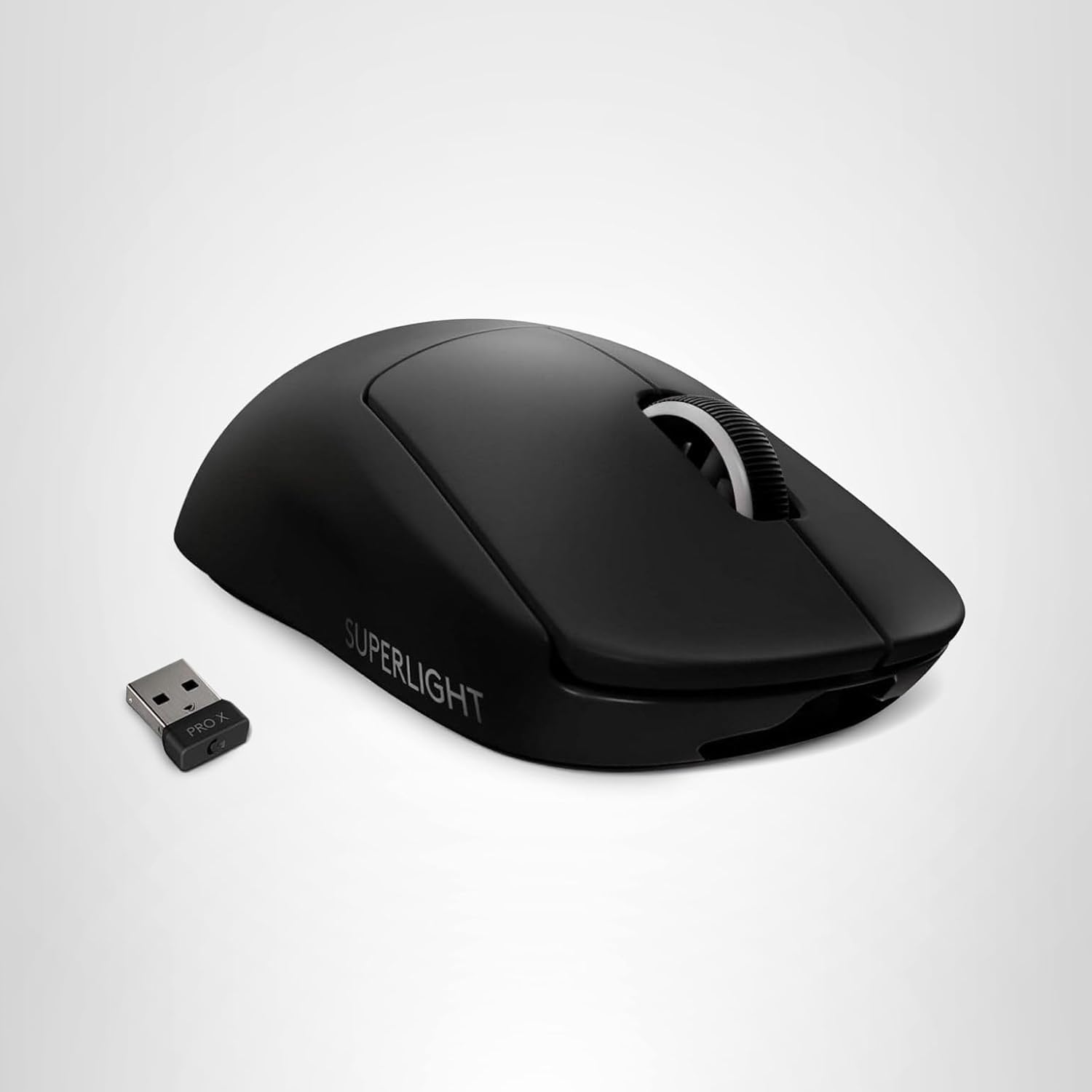
If you’re looking to upgrade your gaming setup, here are some of our top gear picks that combine performance, reliability, and great value:


As an Amazon Associate, we earn from qualifying purchases.