How To Get The Finals Free Outfit In ARC Raiders
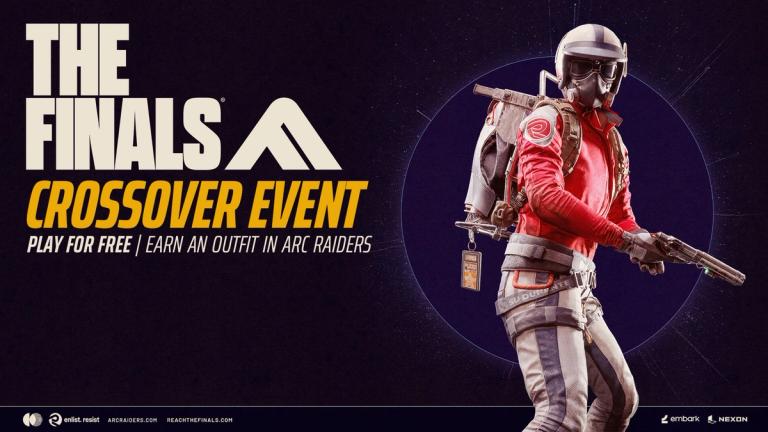
Here is how to get The Finals free outfit in ARC Raiders, which actually includes a bundle of customization items for no cost at all.
READ: Here Are The Candleberries In ARC Raiders
This is the first cross-promotion Embark are doing for The Finals using ARC Raiders, and it is a nice way to bring new life into the studios first release, which is definitely worth trying out. How will you get the flashy outfit, through? Let us walk you through it.
Embark ID
Both The Finals and ARC Raiders use an Embark ID, similar to what's been done by other major studios. Embark have made this extremely streamlined, though, so you might not even know you have an Embark ID.
If you've never played The Finals before, you won't have to worry about this. You'll only run into issues if you've played The Finals before on a platform different than the one you're playing ARC Raiders on now, or on a different account.
Most people will be coming from ARC Raiders and trying The Finals for the first time now, and as long as you use the same account on both games you won't run into any issues. If you own ARC on Steam, play The Finals on Steam. Same for Playstation or XBOX.
How To Get The Finals Free Outfit In ARC Raiders
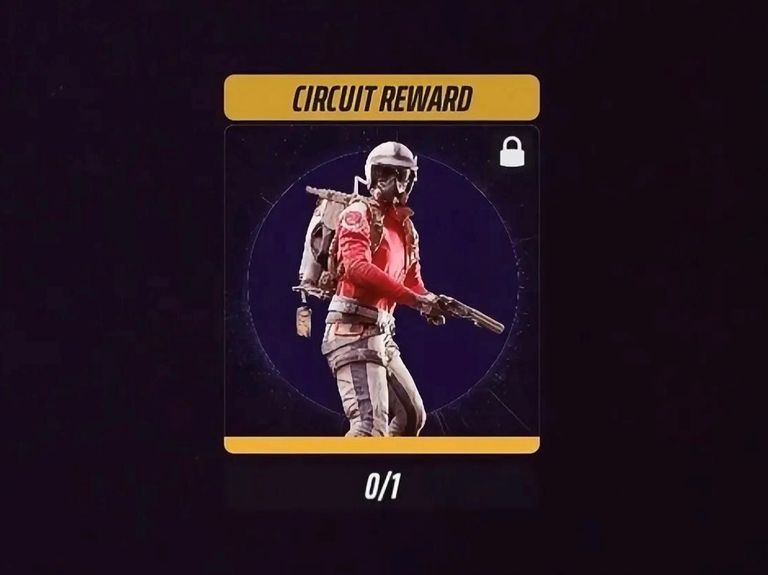
Getting the customization kit is the easy part. You simply have to install The Finals, which is free. It takes up around 70GB of space, though, so you might have to uninstall a few forgotten games.
Once that is done, boot The Finals up and head into the Contracts page. You'll have a tab named "ARC Raiders", where you'll find a contract asking you to play three games of The Finals. There is no performance requirement or minimum time per game. Just queue up alone or with friends for three matches.
After you're done with the three games check back into the Contracts page to make sure nothing bugged out, and you should see the contract completed.
If everything went according to plan, close The Finals down and boot ARC Raiders up and you'll have three new customization items:
- Red Color For The Ryder Outfit
- Black Color For The Salvager Backpack
- Soccer Finals Ticket Backpack Charm
Things To Try If You Haven't Gotten The Rewards
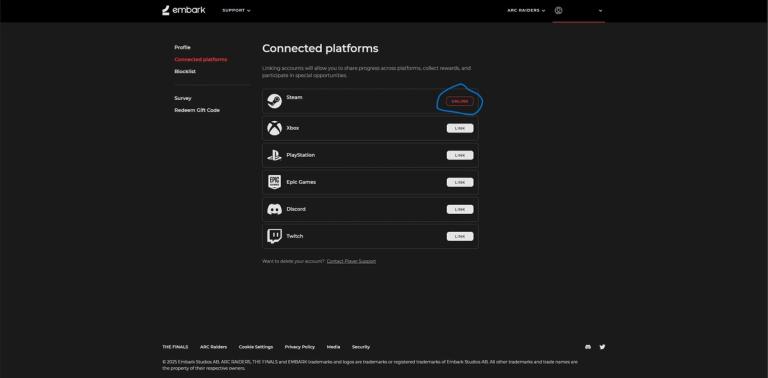
If you've completed the contract in The Finals and haven't gotten the rewards in ARC Raiders, don't panic. The first thing you should do is wait around two hours following the contract completion. If nothing happens still, there are a couple of possible fixes.
First of all, ensure that you are using the same Embark ID on both games. The easiest way to do this is to go to My Embark ID and check that you have The Finals and ARC Raiders connected to the same account and platform. As you can see, both of mine are connected to my Steam Account.
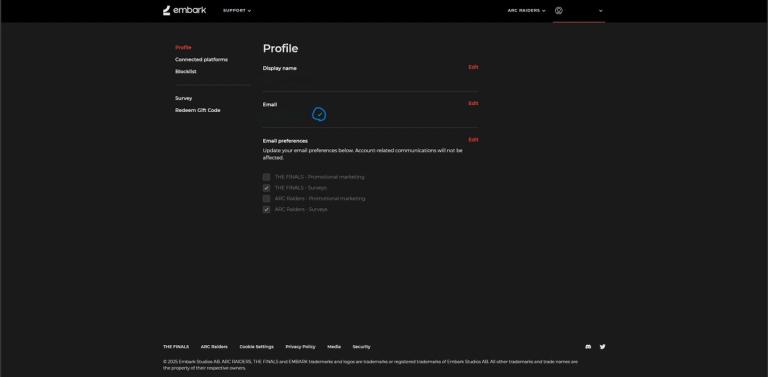
If this doesn't work, make sure your email is verified. You can do this by checking if you have a green check next to your email. Verify if it you haven't, and after these two fixes you should have the customization bundle available in ARC Raiders.
You don't have to open anything in the game, the items will just show up as available in your customization screen.
READ: ARC Raiders- Flickering Flames Required Items
Want to be the best? Upgrade your gaming setup
If you’re looking to upgrade your gaming setup, here are some of our top gear picks that combine performance, reliability, and great value:


As an Amazon Associate we earn from qualifying purchases.