Duet Night Abyss: All known errors and their fixes
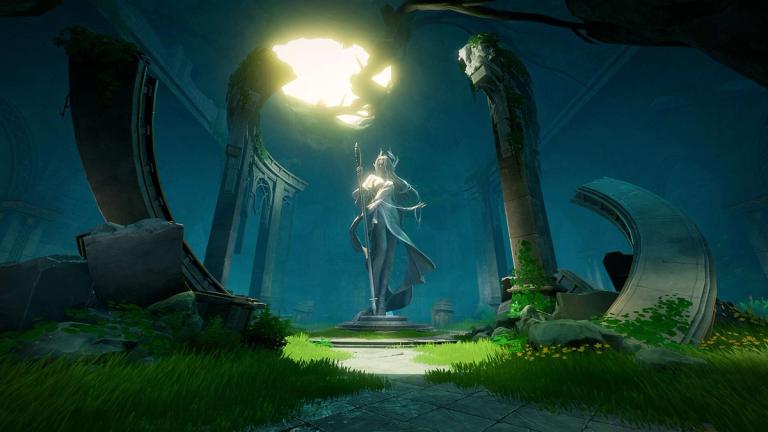
If you have been playing Duet Night Abyss, you might have run into a few annoying bugs that mess with your gameplay.
These issues range from crashes to login problems and even controller glitches. Here’s a clear and simple guide to the current errors and what you can do to deal with them.
All known errors in Duet Night Abyss and their fixes
Loading circle error
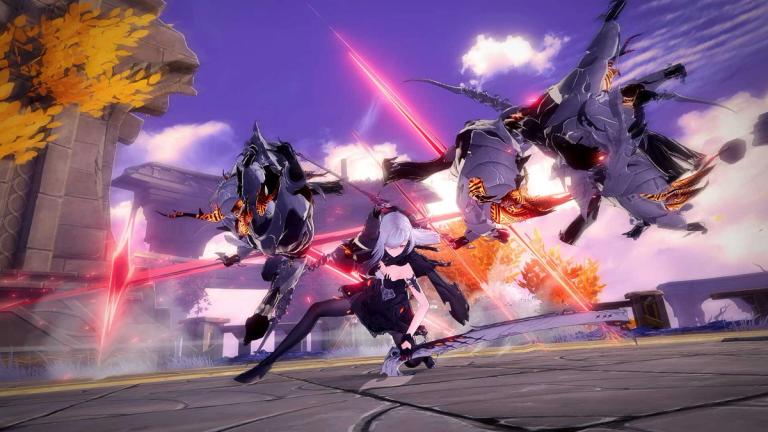
This one shows up when the game keeps loading endlessly and never gets past the screen. It’s often due to unstable servers or a poor internet connection.
The best thing to try is restarting your device and switching to a stronger network. Some players also reported that using a VPN helped.
Controller bug
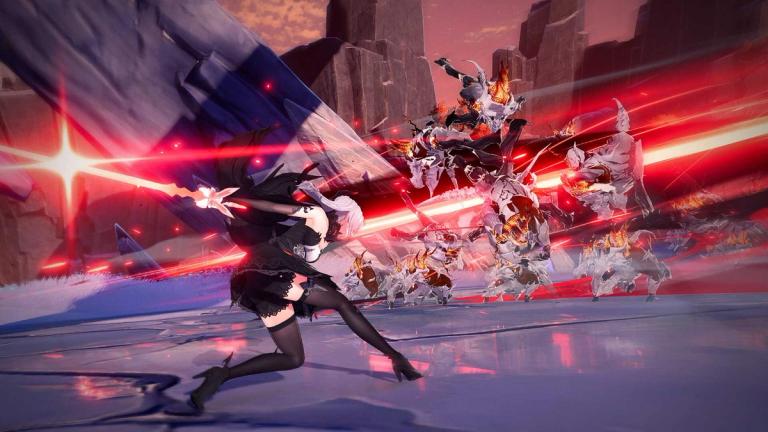
If your controller stops working properly in menus or pop-ups, you’re not alone. Many players noticed that the controller doesn’t respond in certain parts of the game.
The quick fix is to switch to a keyboard and mouse if you’re on PC or use touch controls on mobile. The developers are already working on an update that improves controller support.
Login failure error
Sometimes the game won’t let you log in, even when your internet is fine. This happens when the servers are unstable or busy.
Waiting a few minutes and then restarting the game usually works. If it keeps happening, check the game’s official social channels to see if servers are down.
Fatal error
A few players have seen a pop-up crash when launching the game. This is usually a network issue or a problem with cached data.
Try restarting your router or using a different WiFi or mobile hotspot. If it still crashes, reinstalling the game might help.
Download failed error

This one appears when the game doesn’t download correctly during installation. It’s often caused by low storage space or a bad internet connection.
Make sure your device has enough room for the files, clear cache if needed, and try downloading again.
Network error
If you get a message saying the game can’t connect or fails to load online data, it’s usually due to temporary network issues or server maintenance.
You can fix this by restarting the app or switching to a different connection. If it continues, the issue might be on the server side, and you’ll just have to wait.
Developer updates and fixes
The developers have been patching several of these issues since late October 2025. They’ve mentioned that network looping and loading problems were fixed around October 28.
Controller issues are being addressed, and mobile controller support is in development. Missing item problems from purchases have also been resolved for most players, though if your rewards are still missing, you should reach out to customer support.
Keeping your game updated is the best way to make sure you have the latest fixes and improvements.
FAQs
What should I do if Duet Night Abyss crashes on startup?
- Restart your device and router, then reopen the game. If that doesn’t work, try reinstalling it.
Why is my controller not working properly?
- The game still has some controller bugs, so use keyboard, mouse, or touch controls until an update fixes it.
How can I fix the loading circle problem?
- Switch to a stable network or use a VPN. Restarting your device might also help clear it up.
What if I can’t log in?
- Check your connection and wait a few minutes before trying again. It’s often caused by server congestion.
Why is my download failing?
- Free up space on your device, check your internet connection, and try downloading again.