Brawl Stars: How to get 100 Pizza Slices for free
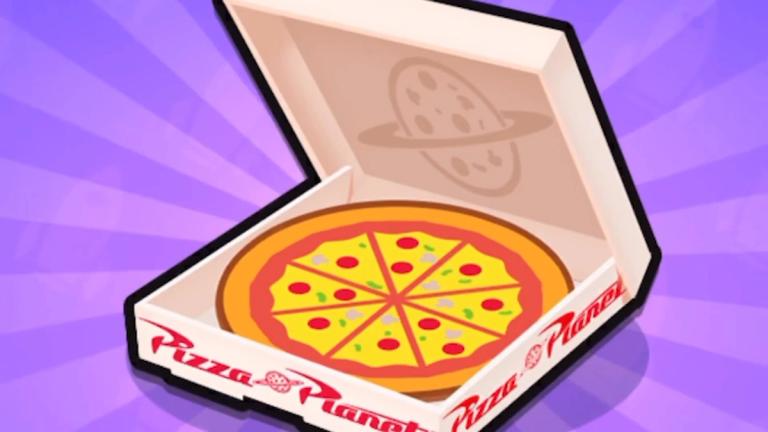
Pizza Slices is a temporary in-game currency released in the new Pizza Planet update of Brawl Stars. This currency is used for buying new skins or any other items in this game.
And what’s even better is that the developers are providing free 100 Pizza Slices that you can claim in a few steps. Here is a step-by-step guide to claim it.
How to get 100 Pizza Slices for free in Brawl Stars
Step 1: Log into your Account
First things first, you have to make sure you are logged into your Brawl Stars account. If you are not logged in, just open the game and sign in with your account.
Step 2: Click the voucher link
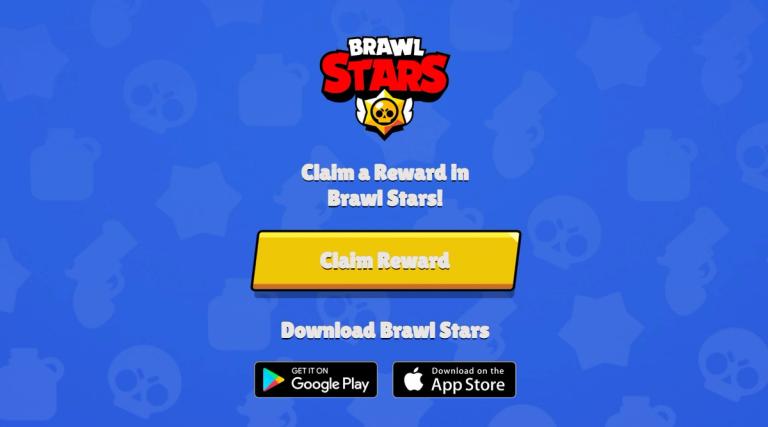
Once you're logged in, you have to click on the special voucher link provided by Supercell. This link will take you to a webpage where you'll see a big ‘Claim Reward’ button.
Step 3: Tap the ‘Claim Reward’ button
Now comes the important part: when you tap the ‘Claim Reward’ button on the webpage, the Brawl Stars game should automatically open up. Don’t worry if it takes a second to load; that’s normal.
Step 4: Claim your Pizza Slices
Once the game opens, a pop-up will appear asking if you want to claim your Pizza Slices. Now, tap on the ‘Claim’ button, and the 100 Pizza Slices will be added to your account right away.
Important notes
Remember, this is a one-time offer, so you can only claim it once per account. If you made a mistake and tried to claim it on the wrong account, you have to log out and log back in with the correct one.
Also, if you run into any problems, like a broken link or connection issues, just try again after a while. In case it is not working at all, then probably you missed the chance to claim this freebie reward.