All possible fixes for Twitch Drops not showing up in Doom The Dark Ages
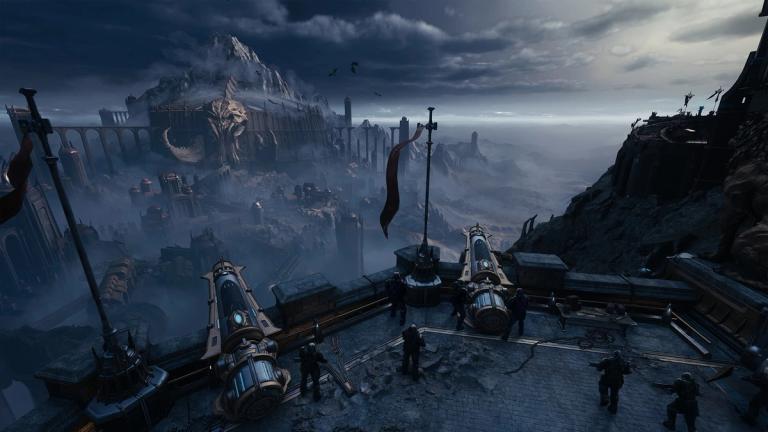
Many players are running into issues with Twitch drops not working in Doom The Dark Ages. If you’ve been watching streams to earn rewards like the Guardian Doom Slayer skin or Slayers Club shield, but the items aren’t showing up in your game, you’re not alone.
This guide will walk you through all the possible reasons and fixes for the issue.
Why are Twitch Drops not working in Doom The Dark Ages?
There are a few reasons why you might not be getting your Twitch drops:
- Your Twitch and Bethesda accounts might not be linked properly
- There might be server issues due to too many people claiming drops
- A bug in the Twitch app could be causing problems
- Browser issues, like cached data, might be stopping the drops from registering
- Your game or app might need an update
All possible fixes for Twitch Drops not showing up in Doom The Dark Ages
1. Check if your Twitch and Bethesda Accounts are linked
Here’s how to check:
- First go to the Bethesda.net account page.
- After that log in and check the linked accounts section.
- Make sure that Twitch is linked to your Bethesda account.
- In case it is not, link it and try claiming your drop again.
2. Switch devices or browsers
Sometimes, watching the stream on a certain browser or device might cause issues. Try these steps:
- If you’re watching on a browser, clear your cache.
- Try switching to a different browser like Chrome or Firefox.
- You can also try watching on the Twitch mobile app.
3. Update or reinstall the twitch app
If you’re using the Twitch app, a bug or outdated version could be the problem:
- Go to your App Store (iOS) or Google Play Store (Android)
- Check for any Twitch app updates
- If updating doesn’t help, uninstall and reinstall the app
4. Wait a bit or try again later
Sometimes it’s just a server-side delay. The drops may be claimed on Twitch, but they can take some time to show up in-game. If the servers are overloaded, it could take longer.
You can check forums like Steam discussions or the Bethesda support page to see if others are facing delays too.
5. Contact Bethesda Support
If you’ve tried everything and still don’t see your Twitch drops in the game, your last option is to contact Bethesda Support.
They might be able to check your account status and help with anything that’s stuck or not syncing.
Also Read: All possible fixes of Doom: The Dark Ages crashing on PC
FAQs
How do I check if my Twitch and Bethesda accounts are linked?
Go to the Bethesda.net account settings, log in, and scroll to the linked accounts section. Make sure Twitch is listed there.
Can I claim Twitch drops from watching on mobile?
Yes, you can. Just make sure you’re logged in to the Twitch app with the account that’s linked to Bethesda.
How long does it take for drops to show in-game?
Usually, drops appear shortly after you claim them, but it can sometimes take a few hours if servers are busy.
Do I need to install anything in the game to get the drops?
No, once the drop is claimed and your accounts are properly linked, the reward should appear automatically in your game inventory.
Where do I find my drops in the game?
Log in to Doom The Dark Ages, and check your cosmetics or rewards inventory. That’s where Twitch drop items like skins and shields will appear.